Foam Pad - Seat Cushion - 1st Row - LH (Remove and Replace)
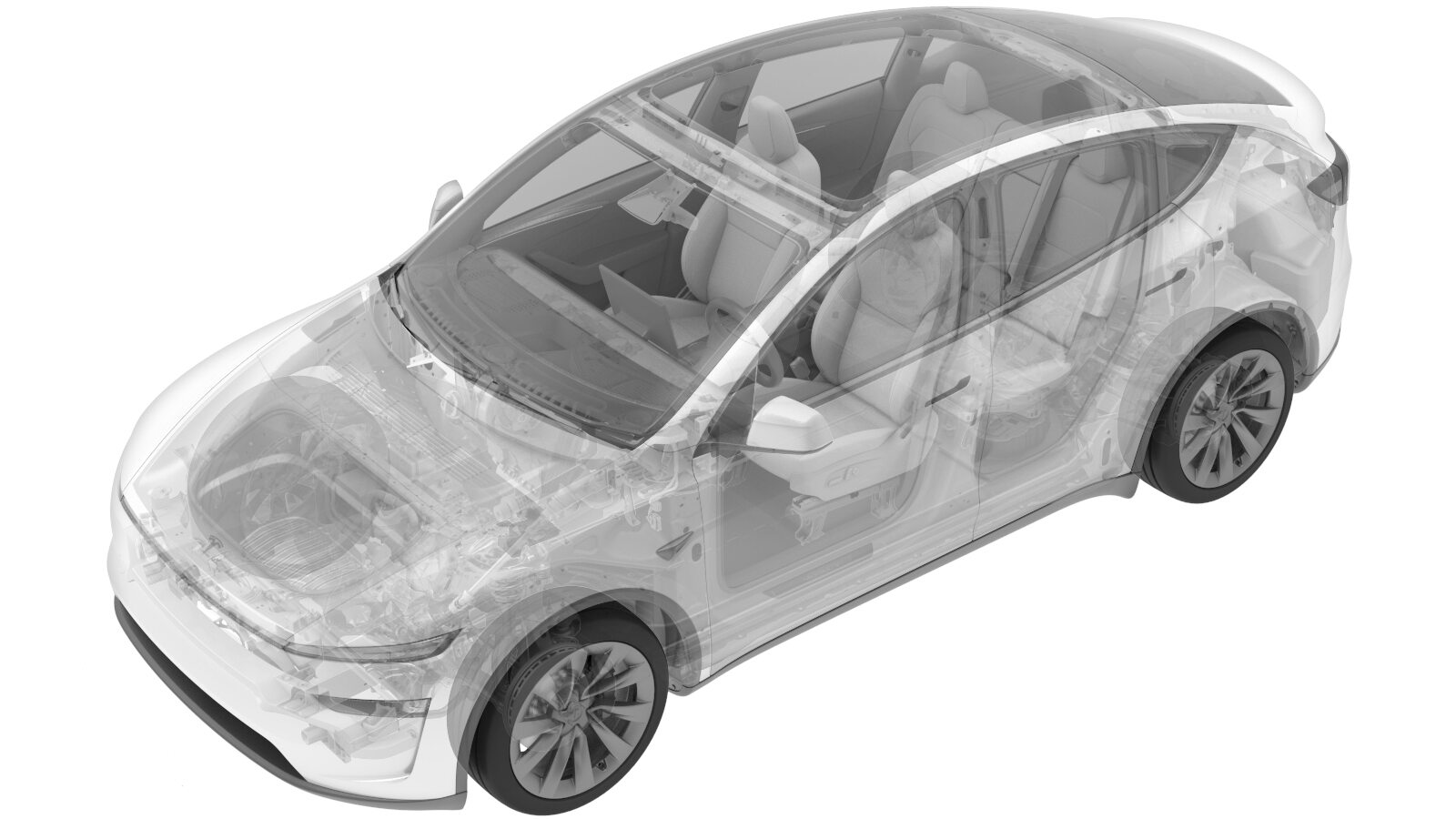 Correction code
1307011102
FRT
0.60
NOTE: Unless
otherwise explicitly stated in the procedure, the correction code and its
associated FRT reflect all of the work required to perform this procedure,
including the linked procedures. Do not stack correction
codes unless explicitly told to do so.
NOTE: See Flat Rate Times to
learn more about FRTs and how they are created.
NOTE: See Personal Protection to make
sure you are wearing proper PPE when performing the procedure below.
NOTE: See Ergonomic Precautions for safe and healthy
working practices.
Correction code
1307011102
FRT
0.60
NOTE: Unless
otherwise explicitly stated in the procedure, the correction code and its
associated FRT reflect all of the work required to perform this procedure,
including the linked procedures. Do not stack correction
codes unless explicitly told to do so.
NOTE: See Flat Rate Times to
learn more about FRTs and how they are created.
NOTE: See Personal Protection to make
sure you are wearing proper PPE when performing the procedure below.
NOTE: See Ergonomic Precautions for safe and healthy
working practices.
Remove
- Remove the driver seat cushion trim from the foam assembly, and then discard the foam with heat pad and occupancy sensor on it. See Soft Trim Cover - Seat Cushion - 1st Row - LH (Remove and Replace).
Install
- Remove the adhesive film from the new occupancy sensor.
-
Route the connector of the occupancy
sensor through the notch of the new foam and connect it, and then stick the sensor onto
the new foam.
-
Remove the double-sided tape on the
back, and then stick the new seat cushion heat pad onto the new foam pad.
NoteMake sure the heat pad is flat.
- Install the cushion trim onto the new driver seat cushion, and then install the cushion to the vehicle. See Soft Trim Cover - Seat Cushion - 1st Row - LH (Remove and Replace).