Cover - Ancillary Bay (Remove and Install)
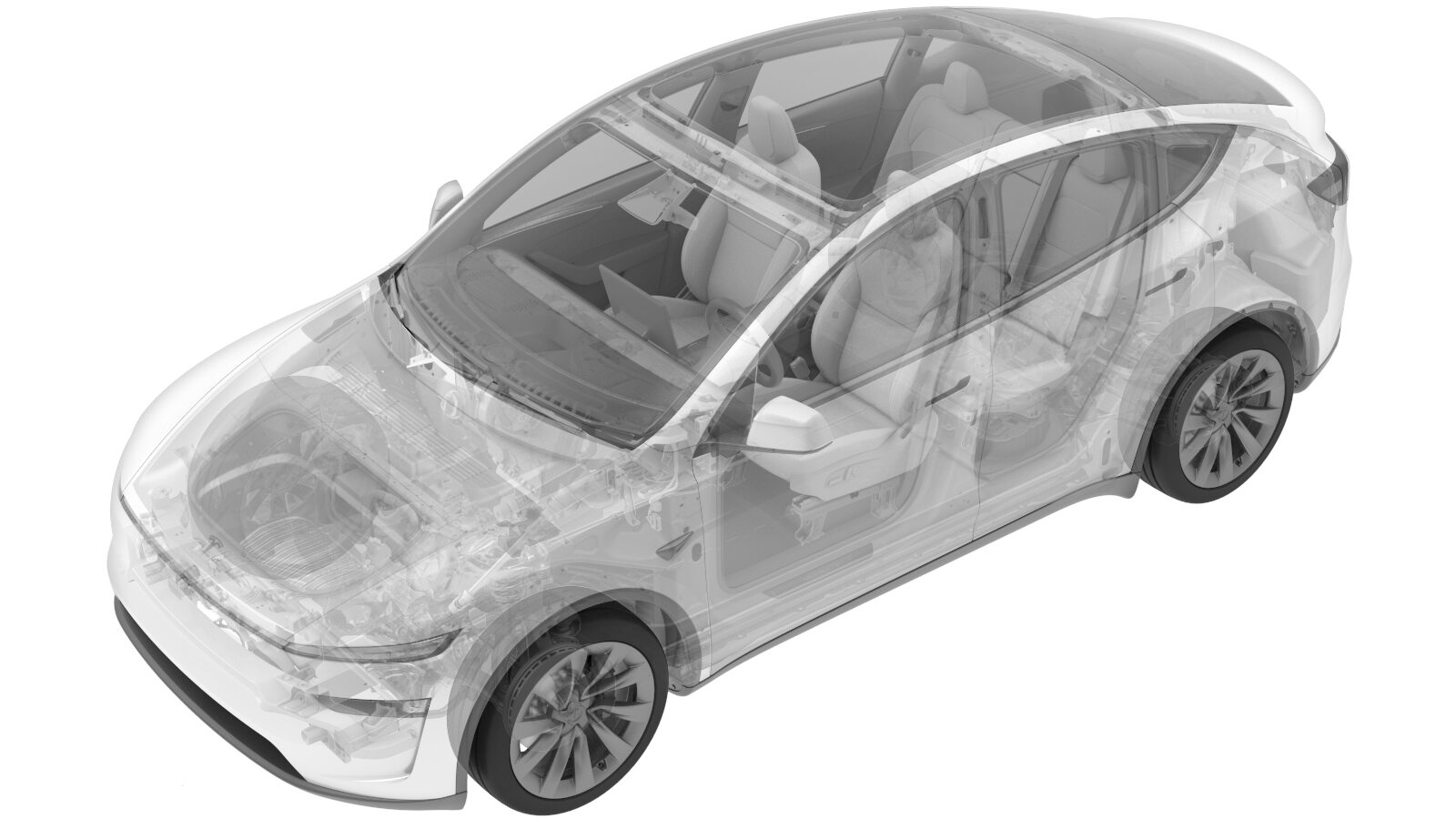 Correction code
1630012201
FRT
0.90
NOTE: Unless
otherwise explicitly stated in the procedure, the correction code and its
associated FRT reflect all of the work required to perform this procedure,
including the linked procedures. Do not stack correction
codes unless explicitly told to do so.
NOTE: See Flat Rate Times to
learn more about FRTs and how they are created.
NOTE: See Personal Protection to make
sure you are wearing proper PPE when performing the procedure below.
NOTE: See Ergonomic Precautions for safe and healthy
working practices.
Correction code
1630012201
FRT
0.90
NOTE: Unless
otherwise explicitly stated in the procedure, the correction code and its
associated FRT reflect all of the work required to perform this procedure,
including the linked procedures. Do not stack correction
codes unless explicitly told to do so.
NOTE: See Flat Rate Times to
learn more about FRTs and how they are created.
NOTE: See Personal Protection to make
sure you are wearing proper PPE when performing the procedure below.
NOTE: See Ergonomic Precautions for safe and healthy
working practices.
- 2026-08-06: Added step to inspect the ancillary bay walls for damage.
- 2026-06-10: Added information for Service Cover (EMEA only)
- 2026-03-17: Released new procedure.
Equipment:
- 1127845-00-A Asy, Service Cover, Penthouse, Model 3
- 1059330-00-B Skt, 1/4in Dr, 5-Lobe Torx Plus External
- 1076971-02-A Wrench, Torque + Angle, 1/4" Dr
- 1108272-00-B Cap, Logic Conn, Inv, 3DU
High Voltage Awareness Care Pointsfor additional safety information.
Torque Specifications
| Description | Torque Value | Recommended Tools | Reuse/Replace | Notes |
|---|---|---|---|---|
| Nut secure PCS cable to 12V passthrough output |
 9 Nm (6.6 lbs-ft) |
|
Replace | |
| Bolts (X3) securing ancillary bay cover to HVC |
5 Nm (3.7 lbs-ft) + 30 degrees |
|
Reuse | |
| Bolts (X18) securing ancillary bay cover to HV battery |
8 Nm (5.9 lbs-ft) |
|
Reuse | The fasteners are captive and will stay attached to the ancillary bay cover |
| Bolts (X11) securing ancillary bay cover to HV battery |
10.5 Nm (7.7 lbs-ft) |
|
Reuse | Extra bolts (X11) for later production date vehicles |
Remove
- Open all the doors and lower all the windows.
- Remove the HEPA filter assembly. See HEPA Filter Assembly (Remove and Replace).
- Disconnect the LV power. See LV Power (Disconnect and Connect) (Modify).
- Remove the 2nd row lower seat cushion. See Seat Cushion - 2nd Row (Remove and Replace).
-
Verify operation of multimeter.
NoteSet multimeter to DC voltage, Confirm multimeter is properly measuring voltage by testing LV battery, Touch lightly and do not damage terminals.
- Perform Vehicle HV Disablement Procedure. See Vehicle HV Disablement Procedure.
-
Remove HV insulating gloves.
CAUTIONIf flashing is present on the vehicle single-piece rear casting, put on cut-resistant gloves.
- Remove the 2nd row seat assembly. See Seat Assembly - 2nd Row - RH (5-Seat) (Remove and Install).
- Remove the 2nd row seat assembly. See Seat Assembly - 2nd Row - LH (5-Seat) (Remove and Install).
-
Disconnect the HVC logic connector and
install the logic cap.
NoteRelease the locking tab then pivot the handle downward to release the connector.
-
Remove the PCS cable from the 12V pass
through output.
TipUse of the following tool(s) is recommended:
- Electrical Protective Gloves
- Cordless Ratchet/Impact Driver
- 12 mm deep socket
-
Remove the bolts (x3) that attach the ancillary bay cover to the high voltage
controller.
TipUse of the following tool(s) is recommended:
- DRIVER KIT, 1/4" HEX, M12
- External Torx E10
-
Remove the bolts (x18 or x29) that
attach the ancillary bay cover to the HV battery.
NoteLater production vehicles may have extra 8mm bolts (x11).TipUse of the following tool(s) is recommended:
- External Torx E10
- PENTHOUSE SOCKET, 1/4" DR, 5-LOBE, E-TORX MAG
- 8 mm socket
- Flex head ratchet/flex head torque wrench
- Put on HV insulating gloves, leather outer gloves, and safety glasses before continuing this procedure.
- Remove the HVC logic cap.
-
Remove the ancillary bay cover from the vehicle.
WarningRemove the ancillary bay cover from the vehicle while standing outside the vehicle to reduce the risk of falling into the open HV battery.CAUTIONFor EMEA only: Install a Service Cover on the Ancillary Bay if required due to training requirements. E.g. for pyrotechnic disconnect replacement by technicians who are not certified for all Ancillary Bay procedures.
-
Visually inspect the condition of the
ancillary bay cover gasket and the HV battery mating surface for cracks, cuts, gouges,
abrasions, or any damage that could affect the seal.
NoteIf the damage to the gasket is severe, replace the ancillary bay cover. If there is minor damage (including paint) that might affect the seal, perform an ancillary bay air leak test to confirm proper sealing. See Ancillary Bay Air Leak Test (Inspection).
Install
- Use IPA wipes to clean the ancillary bay cover gasket surface, and the mating surface of the HV battery.
-
Inspect the ancillary bay walls for damage.
NoteAny dent or depression in the seal that causes it to not be flat will result in a leak, and cannot be reused. Any paint that comes off the ancillary bay wall, whether or not it sticks to the seal, will require enclosure leak test when reassembled.
-
Install the ancillary bay cover to the
HV battery, and then hand tighten the bolts (x18).
WarningInstall the ancillary bay cover to the HV battery while standing outside the vehicle to reduce the risk of falling into the open HV battery.
- Remove the HV insulating gloves.
- Install the HVC logic cap.
-
Torque the ancillary bay cover bolts
(x18 or x29) in the sequence shown, and mark each with an orange paint pen as they are
torqued.
CAUTIONUse an External Torx E10 5-Lobe socket that is not magnetized. Sockets with magnets will not fully grip and can possibly strip the bolt head.TipUse of the following tool(s) is recommended:
- External Torx E10
- PENTHOUSE SOCKET, 1/4" DR, 5-LOBE, E-TORX MAG
8 Nm (5.9 lbs-ft)- 8 mm socket
- Flex head ratchet/flex head torque wrench
10.5 Nm (7.7 lbs-ft) -
Install the bolts (x3) that attach the
ancillary bay cover to the high voltage controller.5 Nm (3.7 lbs-ft) + 30 degreesTipUse of the following tool(s) is recommended:
- DRIVER KIT, 1/4" HEX, M12
- External Torx E10
-
Install PCS cable to 12V pass through
output.9 Nm (6.6 lbs-ft)TipUse of the following tool(s) is recommended:
- Electrical Protective Gloves
- Cordless Ratchet/Impact Driver
- 12 mm deep socket
-
Install positive 12V output cover to PCS cable.
-
Remove the logic cap and connect the
HVC logic connector.
NoteAlign the connector, then pull the handle to the locking position, and to get the connector fully seated.
- Install the 2nd row seat assembly. See Seat Assembly - 2nd Row - LH (5-Seat) (Remove and Install).
- Install the 2nd row seat assembly. See Seat Assembly - 2nd Row - RH (5-Seat) (Remove and Install).
- Install the 2nd row lower seat cushion. See Seat Cushion - 2nd Row (Remove and Replace).
- Connect the LV power. See LV Power (Disconnect and Connect) (Modify).
- Install the HEPA filter assembly. See HEPA Filter Assembly (Remove and Replace).
- Move the front seats to original positions.
- Remove vehicle from lift.
- Raise all four windows.
- Close all four doors.