USB Bluetooth Module - Glove Box (Model Y Standard) (Remove and Install)
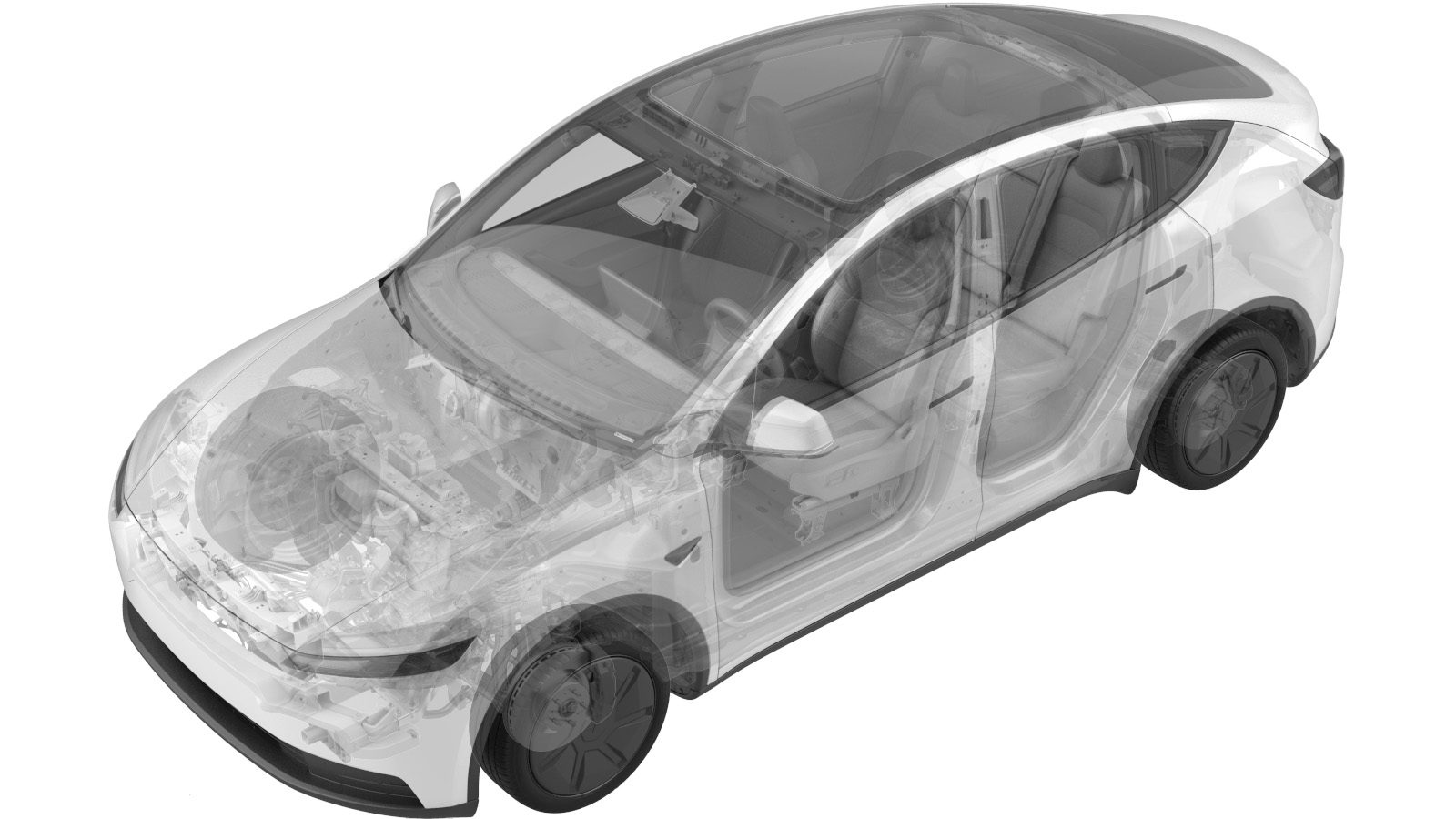 Correction code
14050100001
14050100002
FRT
0.00
NOTE: Unless
otherwise explicitly stated in the procedure, the correction code and its
associated FRT reflect all of the work required to perform this procedure,
including the linked procedures. Do not stack correction
codes unless explicitly told to do so.
NOTE: See Flat Rate Times to
learn more about FRTs and how they are created.
NOTE: See Personal Protection to make
sure you are wearing proper PPE when performing the procedure below.
NOTE: See Ergonomic Precautions for safe and healthy
working practices.
Correction code
14050100001
14050100002
FRT
0.00
NOTE: Unless
otherwise explicitly stated in the procedure, the correction code and its
associated FRT reflect all of the work required to perform this procedure,
including the linked procedures. Do not stack correction
codes unless explicitly told to do so.
NOTE: See Flat Rate Times to
learn more about FRTs and how they are created.
NOTE: See Personal Protection to make
sure you are wearing proper PPE when performing the procedure below.
NOTE: See Ergonomic Precautions for safe and healthy
working practices.
Torque Specifications
| Description | Torque Value | Recommended Tools | Reuse/Replace | Notes |
|---|---|---|---|---|
| Screws (x2) that attach the USB module to the glove box |
 1 Nm (.7 lbs-ft) |
|
Reuse |
Remove
- Open the LH front door and lower the LH front window.
- Place the vehicle in Service Mode by using the touchscreen. See Service Mode.
- Remove the HEPA filter or cowl assembly. See HEPA Filter Assembly (Remove and Replace) or Cowl Assembly (Model Y Standard) (Remove and Install).
-
Remove the glove box. See Glove Box (Remove and Replace).
NoteDuring removal, certain steps require extra care. See the animation(s) for detailed guidance.
-
Remove the screws (x2) that attach the USB module to the glove box.
TipUse of the following tool(s) is recommended:
- Torx T20 socket
Install
-
Align the USB module to the standoffs, and install the screws (x2) that attach the
USB module to the glove box.1 Nm (.7 lbs-ft)TipUse of the following tool(s) is recommended:
- Torx T20 socket
-
Install the glove box. See Glove Box (Remove and Replace).
- Install the HEPA filter or cowl assembly. See HEPA Filter Assembly (Remove and Replace) or Cowl Assembly (Model Y Standard) (Remove and Install).
- Perform the following routine using Service Mode or Toolbox (see 0005 - Service Modes): TEST-BASH_CID_X_USB3-GLOVEBOXvia Toolbox:(link)
- Exit Service Mode or disconnect the laptop if applicable (see 0005 - Service Modes).
- Raise the LH front window and close the LH front door.