Bracket - Compressor (Remove and Replace)
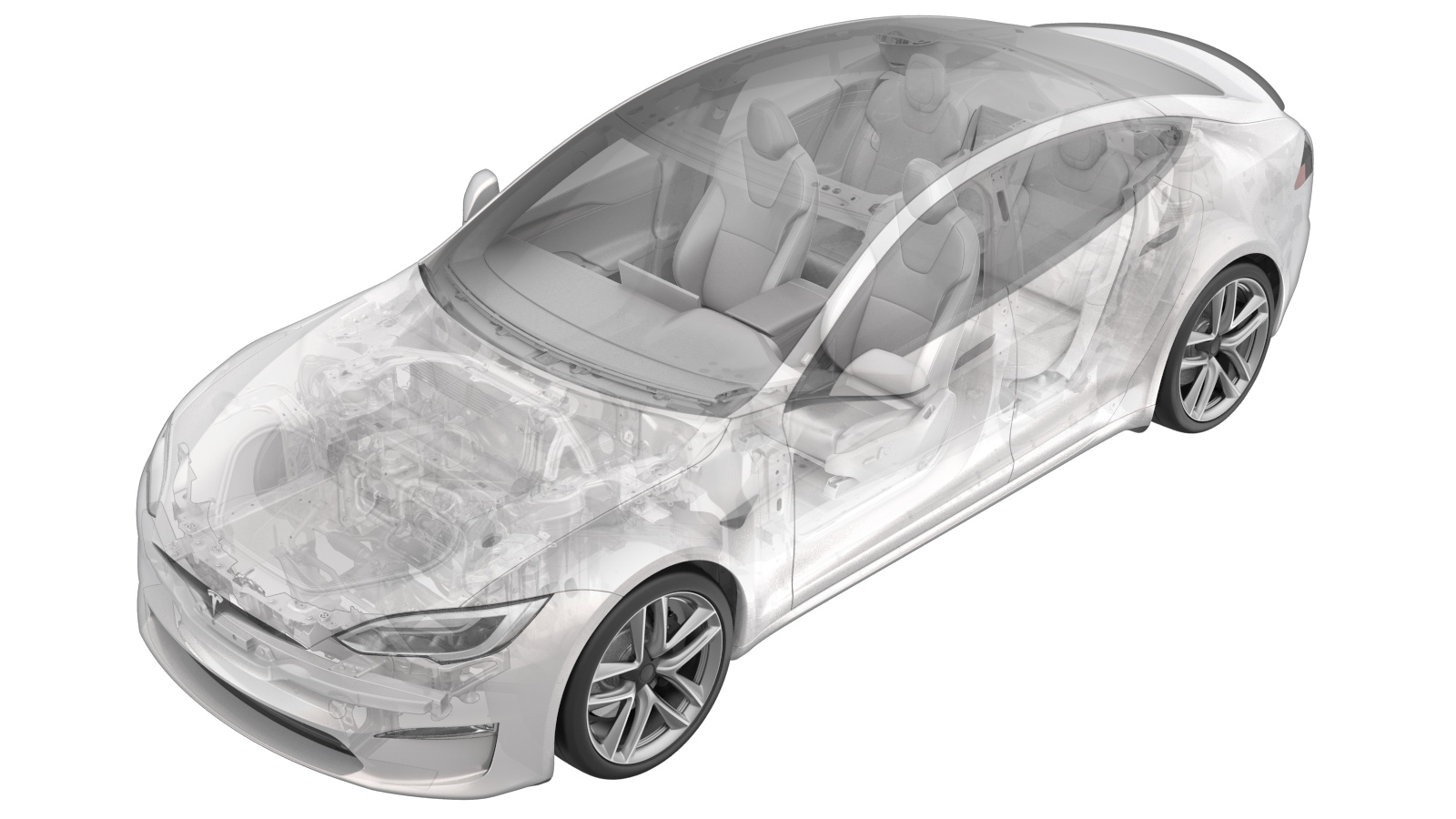 Correction code
18203202
0.90
NOTE: Unless otherwise explicitly
stated in the procedure, the correction code and its associated FRT reflect all of the
work required to perform this procedure, including the linked procedures. Do not stack correction codes unless
explicitly told to do so.
NOTE: See Flat Rate Times to learn
more about FRTs and how they are
created.
NOTE: See Personal Protection to make sure proper PPE is worn when
performing the below
procedure.
Correction code
18203202
0.90
NOTE: Unless otherwise explicitly
stated in the procedure, the correction code and its associated FRT reflect all of the
work required to perform this procedure, including the linked procedures. Do not stack correction codes unless
explicitly told to do so.
NOTE: See Flat Rate Times to learn
more about FRTs and how they are
created.
NOTE: See Personal Protection to make sure proper PPE is worn when
performing the below
procedure.
- 2023-06-22: Added link to vehicle electrical isolation procedure.
Remove
- Open LH front door and lower the LH front window.
- Raise and support the vehicle. See Raise Vehicle - 2 Post Lift
- Remove the underhood storage unit. See Underhood Storage Unit (Remove and Install)
- Disable HV power. See Vehicle HV Disablement Procedure
-
Apply Loctite 222 onto mid aero shield
bolts and install fasteners securing mid aero shield to vehicle
Note16x bolts, 10mm, 6 Nm
-
Install clips securing mid aero
shield
Note4x push clips
-
Lower vehicle until tires are touching
the ground
NoteRaise lift off locks, then hold lock release lever to keep locks free while vehicle is lowered
-
Disconnect AC compressor logic
connector
Note1x locking electrical connector, Do not push down on red tab, Pull to disengage lock, Pull again to release connector
-
Remove retaining clip securing AC
compressor logic harness to AC compressor HV harness bracket
Note1x fir tree clip
-
Remove fastener securing AC compressor
HV harness bracket to AC compressor
Note1x bolt, 13mm, 9 Nm
-
Disconnect HV harness connector from
AC compressor
Note1x locking electrical connector, Move black locking tab away form the AC compressor, Push down on locking connector to release and pull straight out of socket
-
Remove AC compressor ground
strap
Note1x bolt, T25, 7 Nm
-
Remove the clip securing the coolant
hose to the AC compressor bracket
Note1x fir tree clip
-
Remove coolant pump from AC compressor
bracket
NoteSlide pump assembly away from compressor off lower bracket
-
Release the HV heat pump bracket from
the compressor eyelet
Note1x tab, Release bracket tab and rotate rearward and up to clear compressor eyelet
-
Set HV heat pump bracket aside
NoteNegotiate underneath high pressure pipe
-
Release compressor bracket from
multi-system beam
Note2x bolts, 15mm, 31 Nm, Recommend assistance, Support the AC compressor while removing the fasteners, Carefully remove the AC compressor and AC compressor bracket towards the front of the vehicle and under the multi-system beam, Be cautious around the coolant hose and supermanifold harness, Place fender cover on fan housing and gently place AC compressor assembly down
-
Remove AC compressor bracket
Note3x bolts, 10mm, 9 Nm
Install
-
Install the AC compressor bracket to
the AC compressor
Note3x bolts, 10mm, 9 Nm
-
Position AC compressor bracket
assembly into vehicle and secure AC compressor assembly to multi-system beam
Note2x bolts, 15mm, 31 Nm, Recommend assistance, Support the AC compressor while installing the fasteners, Carefully install the AC compressor and AC compressor bracket towards the rear of the vehicle and under the multi-system beam, Negotiate bracket around coolant hose and supermanifold harness, Hand start bolts
-
Torque AC compressor bracket bolts to
multi-system beam
Note2x bolts, 15mm, 31 Nm
-
Position HV heat pump bracket
NoteNegotiate underneath high pressure pipe
-
Secure HV heat pump bracket to AC
compressor eyelet
NoteEnsure locking tab engages eyelet
-
Connect HV harness connector to AC
compressor
Note1x locking electrical connector, 3 stage locking connector, After fully seating the connector onto the AC compressor engage the black locking tab by pushing toward the AC compressor, Perform push-pull-push test to ensure proper seating
-
Install fastener securing AC
compressor HV harness bracket to AC compressor
Note1x bolt, 13mm, 9 Nm
-
Install AC compressor ground
strap
Note1x bolt, T25, 7 Nm
-
Install coolant pump onto AC
compressor bracket
NoteSlide pump assembly onto compressor lower bracket
-
Install the clip securing the coolant
hose to the AC compressor bracket
Note1x fir tree clip
-
Connect First Responder Loop and LV
battery connector
Note2x connectors Secure FRL first, Position LV connector and push down while seating black connector lock, Secure CPA last
- Install the underhood storage unit. See Underhood Storage Unit (Remove and Install)
-
Close hood
NotePress firmly in green highlighted areas (see image), Damage may result from pressure elsewhere on hood
-
Remove vehicle from lift
NoteLower rack arms fully and remove them from under vehicle, Remove air suspension from "Jack Mode"
- Raise LH front window
- Close LH front door