2026-09-04
12mm Radiator (Remove and Replace)
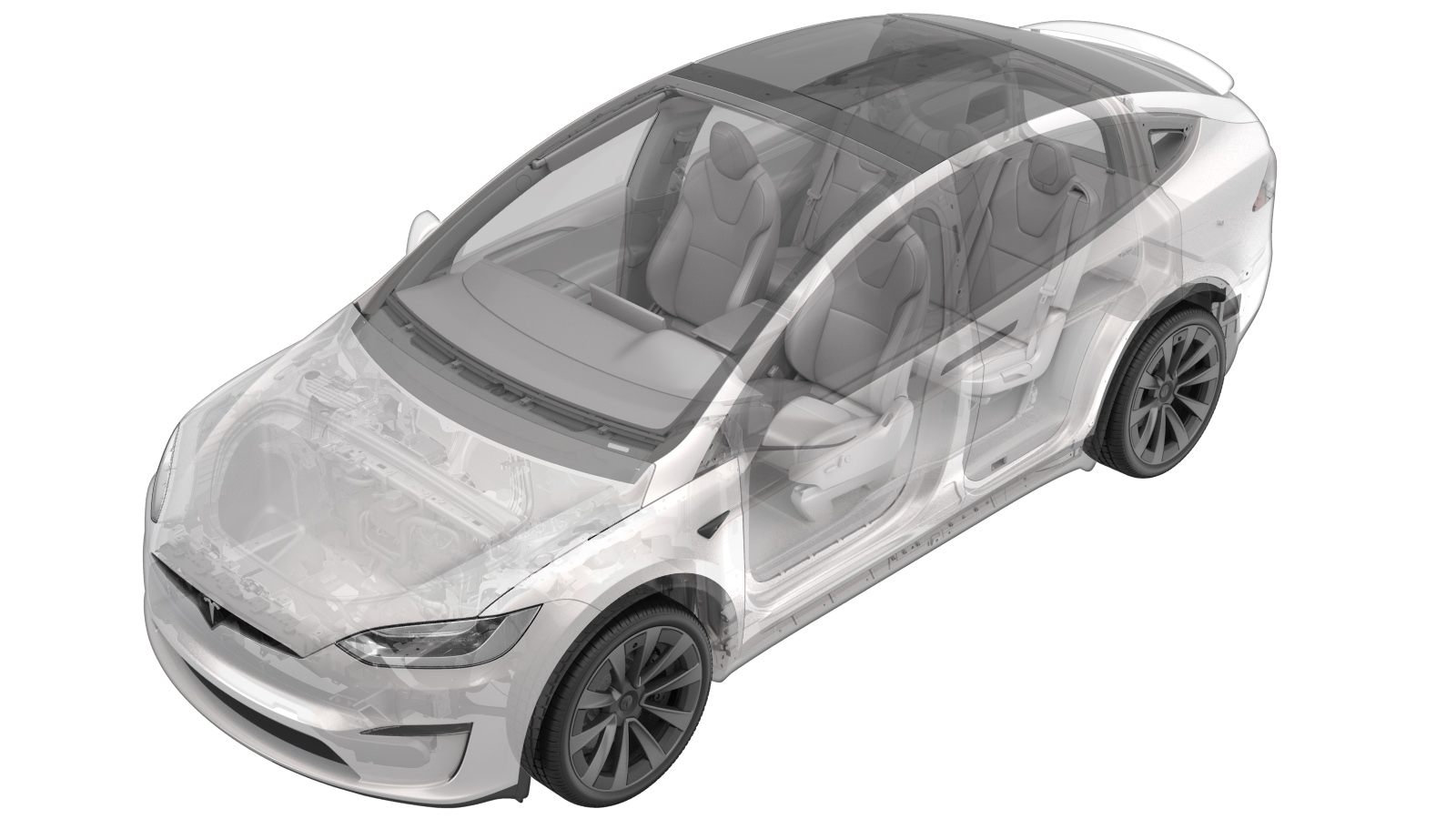 Correction code
183010421.15
NOTE: Unless otherwise explicitly
stated in the procedure, the correction code and its associated FRT reflect all of the
work required to perform this procedure, including the linked procedures. Do not stack correction codes unless
explicitly told to do so.
NOTE: See Flat Rate Times to learn
more about FRTs and how they are
created.
NOTE: See Personal Protection to make sure proper PPE is worn when
performing the below
procedure.
Correction code
183010421.15
NOTE: Unless otherwise explicitly
stated in the procedure, the correction code and its associated FRT reflect all of the
work required to perform this procedure, including the linked procedures. Do not stack correction codes unless
explicitly told to do so.
NOTE: See Flat Rate Times to learn
more about FRTs and how they are
created.
NOTE: See Personal Protection to make sure proper PPE is worn when
performing the below
procedure.
- 2026-09-04: Added the PROC_VC_X_RESET-RADIATOR-UA-INDEX routine.
Remove
- Remove the cooling fan module. See .
-
Release the locking clips (x2) that
attach the 12mm radiator to the cooling fan module, and then remove the 12mm radiator
from the vehicle.
NoteSlide the 12mm radiator downwards, and then upwards to remove from the vehicle.TipUse of the following tool(s) is recommended:
- Pliers needle nose long
Replace
-
Position the 12mm radiator on the
vehicle, and then install the locking clips (x2) that attach the 12mm radiator to the
cooling fan module.
NoteEnsure the 12mm radiator aligning guides (x2) and locking tabs are positioned correctly, and then push the 12mm radiator downwards to engage the locking tabs.
- Install the cooling fan module. See .
- Refill the coolant. See Cooling System (Vacuum Refill).
- Locally connect a laptop with Toolbox 3 to the vehicle. See Toolbox (Connect and Disconnect).
-
In Toolbox, click the Actions tab, search for
"Radiator", select PROC_VC_X_RESET-RADIATOR-UA-INDEXvia Toolbox:(link), select Run, then allow the routine
to complete.
NotePerform this step for firmware versions develop/2026.14.3 and later.
- Disconnect Toolbox and remove the laptop from the vehicle.
- Exit Service Mode Plus. See Service Mode Plus.