Controller - High Voltage (Rework) (Battery On Table)
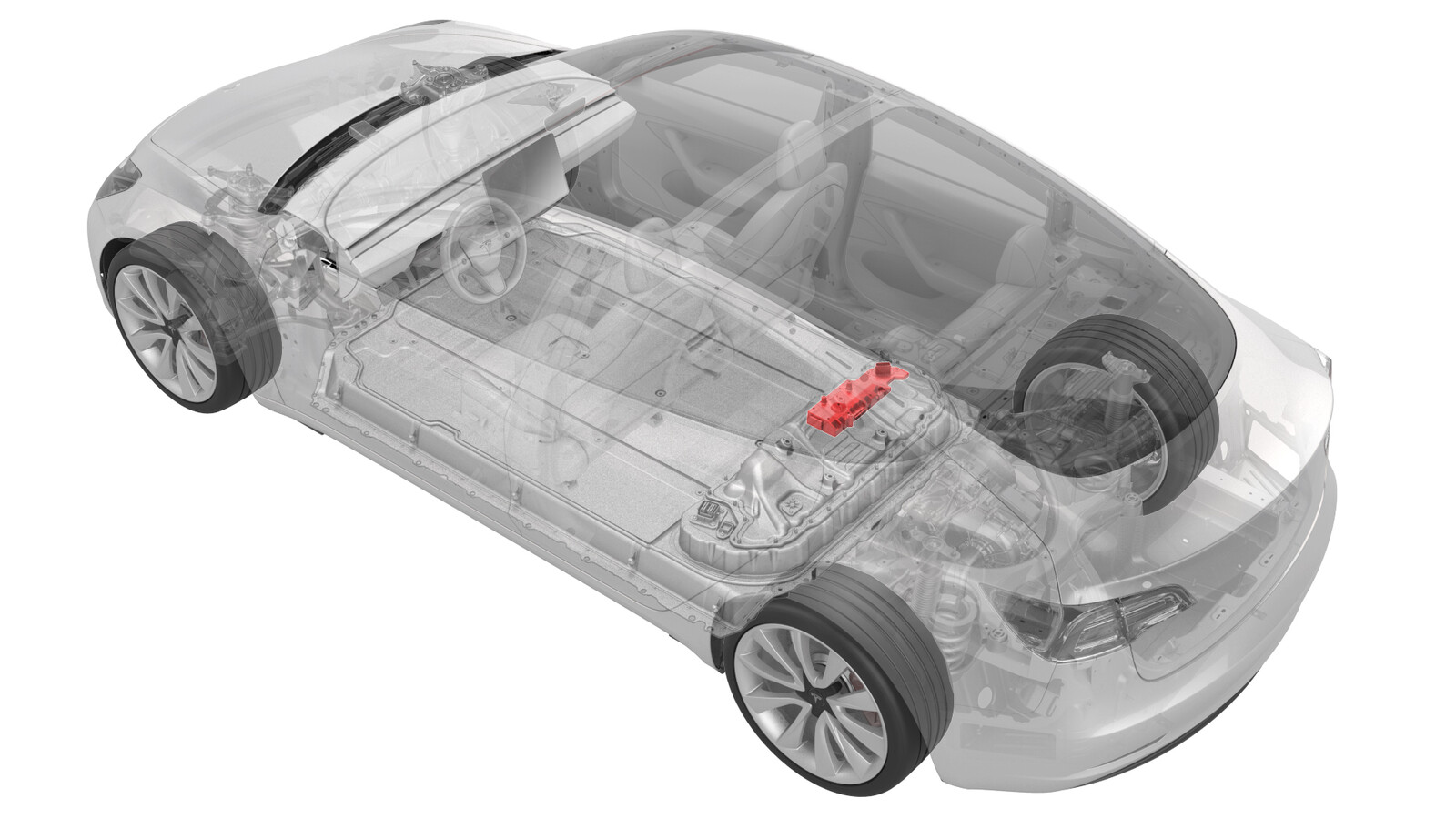 Correction code
16300207
0.24
NOTE: Unless otherwise explicitly
stated in the procedure, the correction code and its associated FRT reflect all of the
work required to perform this procedure, including the linked procedures. Do not stack correction codes unless
explicitly told to do so.
NOTE: See Flat Rate
Times to learn more about FRTs and how they are created.
NOTE: See Personal Protection to make sure wearing proper PPE when
performing the below procedure. NOTE: See Ergonomic Precautions for safe and healthy working
practices.
Correction code
16300207
0.24
NOTE: Unless otherwise explicitly
stated in the procedure, the correction code and its associated FRT reflect all of the
work required to perform this procedure, including the linked procedures. Do not stack correction codes unless
explicitly told to do so.
NOTE: See Flat Rate
Times to learn more about FRTs and how they are created.
NOTE: See Personal Protection to make sure wearing proper PPE when
performing the below procedure. NOTE: See Ergonomic Precautions for safe and healthy working
practices.
Only
technicians who have completed all required certification courses are permitted to
perform this procedure. Tesla recommends third party service provider technicians
undergo equivalent training before performing this procedure. For more information on
Tesla Technician requirements, or descriptions of the subject matter for third parties,
see HV Certification Requirements. Proper personal protective equipment (PPE) and insulating HV
gloves with a minimum rating of class 0 (1000V) must
be worn at all times a high voltage cable, busbar, or fitting is handled. Refer to Tech Note TN-15-92-003, High Voltage Awareness
Care Points
for additional safety
information.
Procedure
-
Put on HV insulating gloves
and leather over gloves.
WarningContinue to wear the gloves until instructed to remove them.
-
Perform the following substeps to rework the High Voltage Controller:
-
Remove the bolts that attach the HVC
to the hinge tray, and then remove the controller from the vehicle.
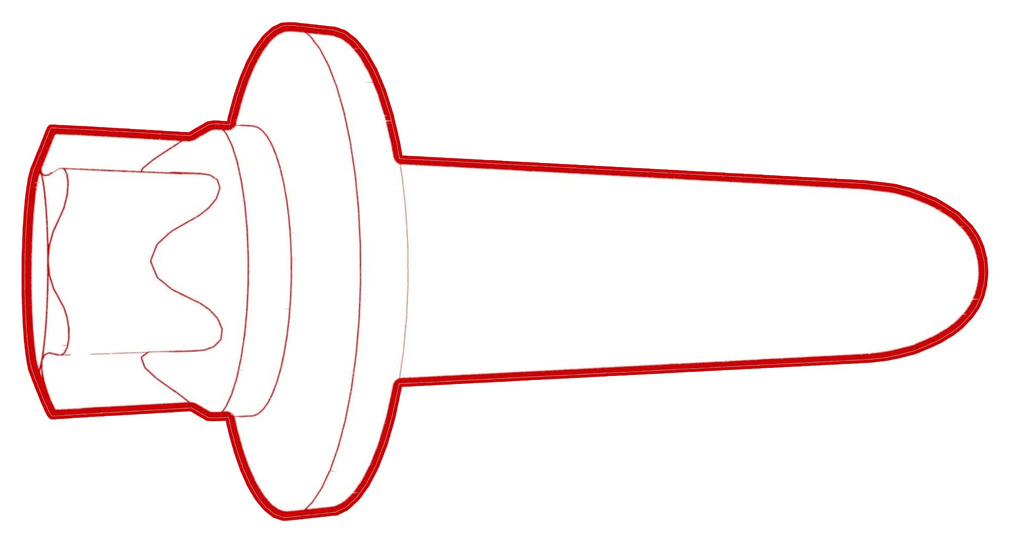 2 Nm (1.5 lbs-ft)
Figure 1. 5-Bolt HVC -
Install the HVC into the ancillary
bay, and then install the bolts that attach the HVC to the hinge tray.2 Nm (1.5 lbs-ft)
-
Remove the bolts that attach the HVC
to the hinge tray, and then remove the controller from the vehicle.