2026-08-09
A/C Compressor and Supermanifold (Remove and Replace)
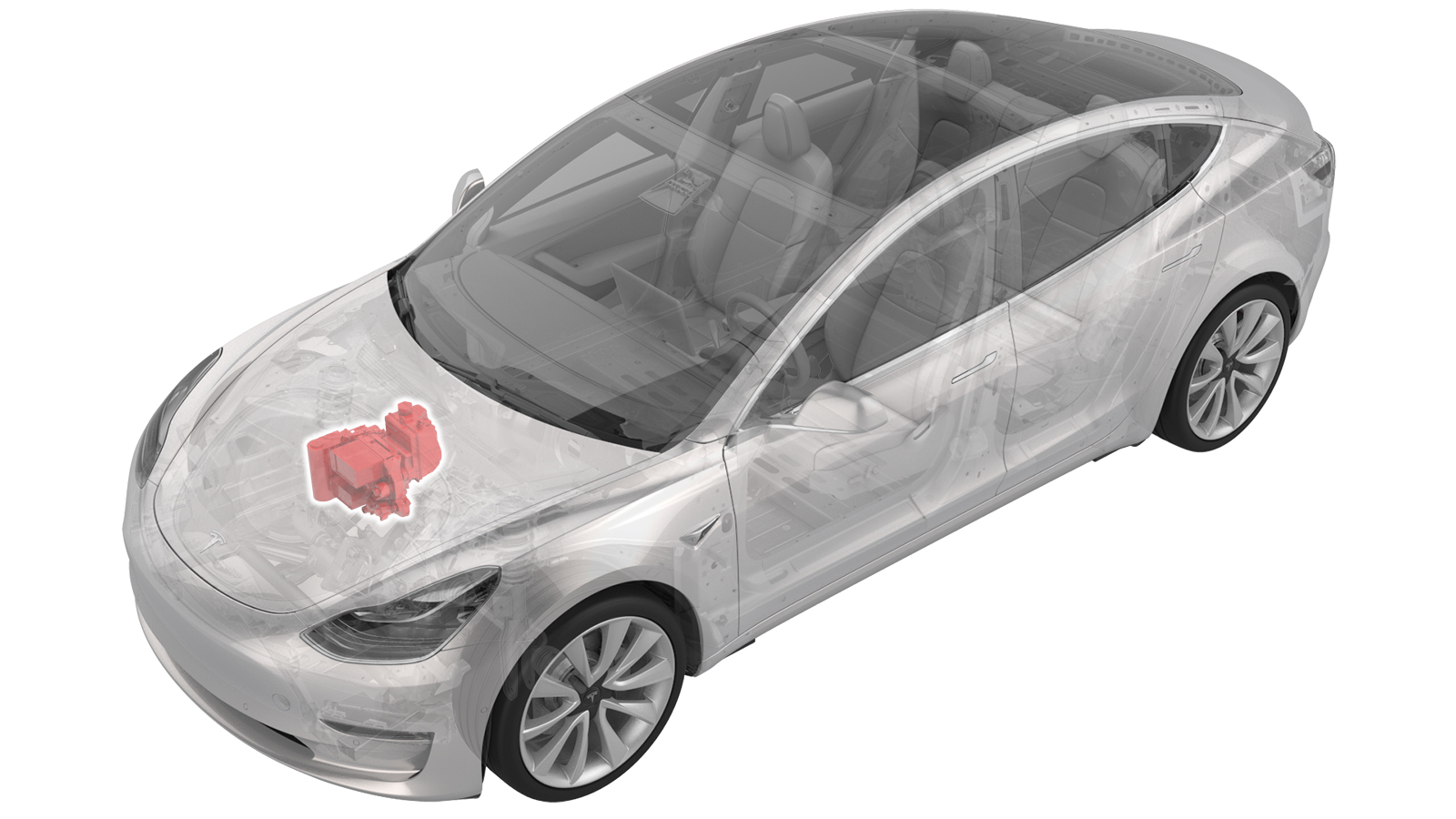 Correction code
18203012
1.92
NOTE: Unless otherwise explicitly
stated in the procedure, the correction code and its associated FRT reflect all of the
work required to perform this procedure, including the linked procedures. Do not stack correction codes unless
explicitly told to do so.
NOTE: See Flat Rate
Times to learn more about FRTs and how they are created.
NOTE: See Personal Protection to make sure wearing proper PPE when
performing the below procedure. NOTE: See Ergonomic Precautions for safe and healthy working
practices.
Correction code
18203012
1.92
NOTE: Unless otherwise explicitly
stated in the procedure, the correction code and its associated FRT reflect all of the
work required to perform this procedure, including the linked procedures. Do not stack correction codes unless
explicitly told to do so.
NOTE: See Flat Rate
Times to learn more about FRTs and how they are created.
NOTE: See Personal Protection to make sure wearing proper PPE when
performing the below procedure. NOTE: See Ergonomic Precautions for safe and healthy working
practices.
- 2026-07-03: Updated steps to connect the LV maintainer.
- 2026-04-07: Updated the step to configure the compressor type.
- 2025-11-26: Released new procedure.
Note
This is the preferable procedure to
replace the supermanifold and compressor after a mechanical failure of the
compressor which lead to debris in the A/C system. This procedure uses the Heat Pump
HVAC Debris Flush Adapter 1838504-00-B to flush both A/C lines and the HVAC assembly
so that the HVAC assembly and the A/C lines can be reused. If only the Debris Flush
Adapter 1838504-XX-A is available, use the procedure described in A/C Compressor, Supermanifold and Compressor to Supermanifold A/C Line (Heat Pump) (Remove and Replace).
Note
This procedure requires the A/C
Refrigerant (Recovery and Recharge) procedure to be performed. If not already
automatically added to the Service Visit, add correction code 18200102 as a
separate correction within the same activity to the Service Visit.
Equipment:
- 1600279-00-A A/C OIL FLUSH ADAPTER SET, MODEL Y or 1600279-N0-BHEAT PUMP VEHICLE A/C FLUSHING FOR UNKNOWN OIL CONDITIONS
- 1838504-00-B Heat Pump HVAC Debris Flush Adapter
- 1711245-00-A Snap On Ecotechnics Dual Gas AC Machine, includes Flush Adapter Kit R134A & R1234YF or
- 1120026-01-A A/C SERVICE MACHINE, WAECO, ASC5500 RPA
Remove
- Set up the A/C machine.
- Raise and support the vehicle.
-
Open all four doors and
lower the windows.
NoteLatch rear doors to prevent accidental closing when 12V/LV power is disconnected.
- Remove the fresh air intake duct. See Duct - Fresh Intake (Remove and Replace).
- Remove the underhood storage unit. See Underhood Storage Unit (Remove and Replace).
- Enable Service Mode. See Service Mode.
- On the touchscreen, tap and tap Run to start the "Start Thermal Fill Drain (Coolant & Refrigerant)" routine.
-
Check the thermal alerts via
Service UI by pressing the alert icon.
If one or more of the following alerts are present, perform a full flush later in the procedure.
- VCFRONT_a161_compressorSelfFault
- VCFRONT_a163_compressorDisabledFSR
- VCFRONT_a460_hardIsentropicTdFailed
- VCFRONT_a467_lowPowerIndexFlagged
- VCFRONT_a531_lowPowerIndexFlaggedUserFacing
- VCFRONT_a543_compressorLowFlowDeliveryDetected
- Move the front seats forward.
- Disconnect 12V/LV power. See 12V/LV Power (Disconnect and Connect).
- Verify the operation of the multimeter.
- Remove the front aero shield panel. See Panel - Aero Shield - Front (Remove and Replace).
- Recover the refrigerant from the vehicle. See A/C Refrigerant (Recovery and Recharge).
- Perform Vehicle HV Disablement Procedure. See Vehicle HV Disablement Procedure.
- Position the coolant drain container underneath the front of the vehicle.
- Remove the coolant bottle cap.
-
Disconnect the powertrain
bypass hose from the supermanifold.
NoteThis will drain the coolant reservoir.
-
Disconnect the radiator
outlet hose from the supermanifold.
-
Disconnect the radiator
inlet hose from the supermanifold.
-
Install three male plugs
into the coolant ports at the front of the supermanifold.
-
Disconnect the sensor for
the chiller to battery hose.
-
Disconnect the sensor for
the powertrain supply hose.
-
Disconnect the chiller to
battery hose from the supermanifold.
-
Disconnect the powertrain
supply hose from the supermanifold.
-
Disconnect the HV battery
return hose from the supermanifold.
-
Install three male plugs
into the coolant ports at the rear of the supermanifold.
-
Disconnect the supermanifold
harness connector from the front controller.
-
Remove the clip that
attaches the thermal sub assembly harness to the front harness guide cover.
- Remove the 12V/LV battery. See 12V/LV Battery (Remove and Replace).
-
Release the clips (x2) that attach the coolant hose to
the A/C compressor bracket.
- Remove the clip that attaches the A/C compressor logic harness to the A/C compressor HV harness bracket.
-
Release the connector
locking tab, and then disconnect the logic connector from the A/C
compressor.
CAUTIONDO NOT push down on the red locking tab. Pull the tab away from the connector until the connector is unlocked, and then continue pulling the main body of the connector to fully disconnect it.
-
Remove the bolt that
attaches the HV harness bracket to the A/C compressor.
TipUse of the following tool(s) is recommended:
- 13 mm socket
- Cordless Ratchet/Impact Driver
- Ratchet/torque wrench
-
Remove the bolt that
attaches the ground strap to the A/C compressor, and then set the ground
strap aside.
TipUse of the following tool(s) is recommended:
- Torx T25 socket
- Cordless Ratchet/Impact Driver
- Ratchet/torque wrench
-
Release the clip that
attaches the coolant hose to the A/C compressor bracket, near the ground
strap attachment point.
-
Pull the A/C compressor HV
connector black locking tab away from the A/C compressor.
-
Using a 45-degree pick,
simultaneously push on the central locking tab while pulling on the outer
locking tab, and remove the HV connector from the A/C compressor.
-
Disconnect the HVIL
electrical connector.
- After A/C recovery is completed, remove the A/C hoses from the vehicle.
-
Remove the nut that attaches
the supermanifold to compressor suction line to the compressor.
NoteUse of the following tool(s) is recommended:
- 13 mm deep socket
- Flex head ratchet/flex head torque wrench
-
Remove the nut that attaches
the supermanifold to compressor discharge line to the compressor.
NoteUse of the following tool(s) is recommended:
- 13 mm deep socket
- Flex head ratchet/flex head torque wrench
-
Remove the bolt on the A/C
manifold to compressor line from the supermanifold.
TipUse of the following tool(s) is recommended:
- 13 mm socket
- 6 in extension
- Flex head ratchet/flex head torque wrench
-
Remove the bolts (x2) that
attach the supermanifold to HVAC A/C line to the HVAC assembly.
TipUse of the following tool(s) is recommended:
- 13 mm socket
-
Release the clip that
attaches the 12V/LV battery vent tube to the battery bracket.
-
Release the clip that
attaches the A/C compressor low voltage harness to the A/C compressor HV
harness bracket.
-
Move the HV harness bracket
forward and up to release the bracket from the A/C compressor, and then
carefully set the bracket aside.
-
Remove the retaining clips
that attach the A/C compressor HV harness to the shock tower support
brace.
NotePull upward on clip to assist with removal, Do not pull on HV cable.
-
Remove the LH and RH bolts
that attach the shock tower brace to the body.
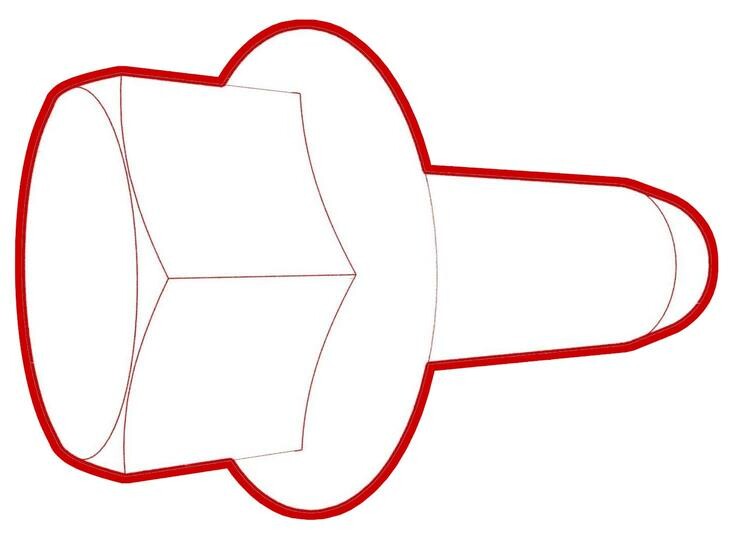 55 Nm (40.6 lbs-ft)
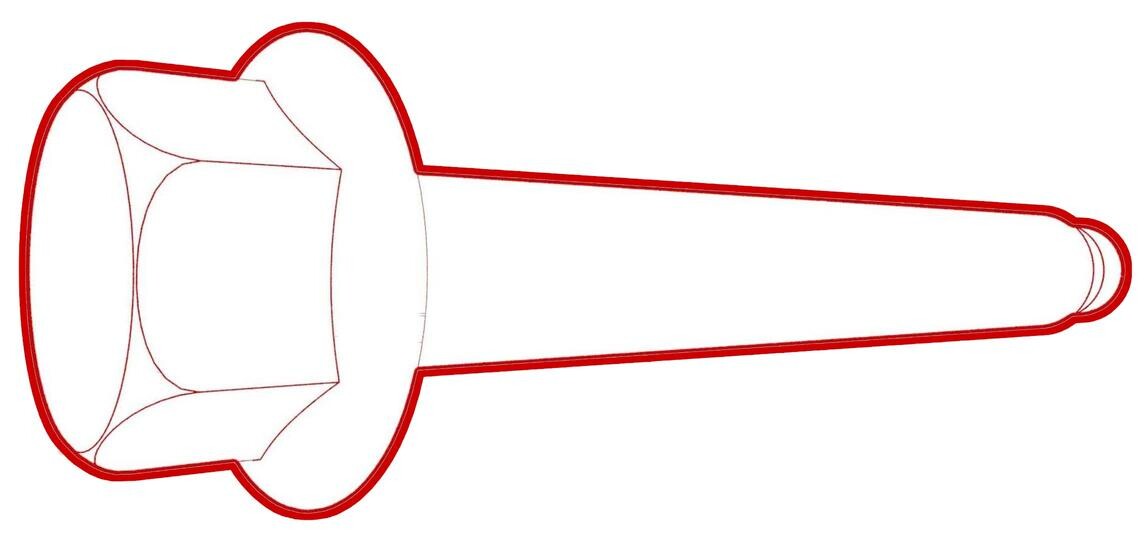 55 Nm (40.6 lbs-ft)TipUse of the following tool(s) is recommended:
- 15 mm socket
- Flex head ratchet/flex head torque wrench
-
Remove the LH and RH outer
bolts that attach the shock tower brace to the body, and then remove the
shock tower brace from the vehicle.
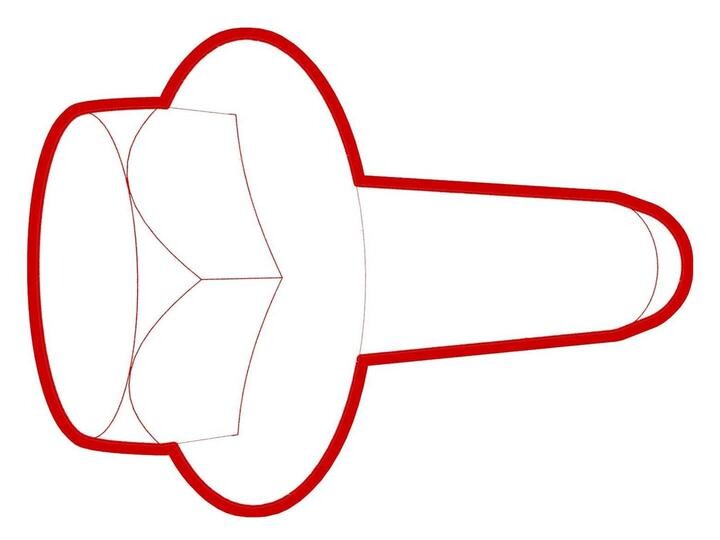 62 Nm (45.7 lbs-ft)TipUse of the following tool(s) is recommended:
- 15 mm socket
- Flex head ratchet/flex head torque wrench
-
With assistance, remove the
shock tower brace along with the supermanifold and compressor from the
vehicle.
NoteMind the connectors and A/C lines, then slowly lift the brace. Put it on a cardboard pad.
-
Remove the nut that attaches
the supermanifold to HVAC A/C line assembly to the supermanifold, and then
remove the supermanifold to HVAC A/C line assembly.
TipUse of the following tool(s) is recommended:
- 15 mm socket
- Cordless Ratchet/Impact Driver
- Flex head ratchet/flex head torque wrench
-
Document the old and new
part numbers and serial numbers.
NoteLabel is located in front of accumulator.
-
Remove the bolts (x2) that
attach the supermanifold to the shock tower brace, and then remove the
supermanifold.
TipUse of the following tool(s) is recommended:
- 15 mm socket
- Cordless Ratchet/Impact Driver
- Flex head ratchet/flex head torque wrench
-
Remove the bolts (x2) that
attach the A/C compressor bracket to the shock tower brace, and then remove
the A/C compressor and A/C compressor bracket assembly.
NoteUse of the following tool(s) is recommended:
- 15 mm socket
- Flex head ratchet/flex head torque wrench
-
Remove A/C compressor
bracket from the A/C compressor.
NoteUse of the following tool(s) is recommended:
- 10 mm deep socket
- Flex head ratchet/flex head torque wrench
- Document the part numbers of the new and old compressors to update the configuration in a later step.
Flush HVAC system with Snap-On A/C Machine
-
Install the supermanifold to
HVAC A/C line, and install the bolts (x2) that attach the line to the HVAC
assembly .
-
Install the flush
adapter 1838504-00-B to the supermanifold to HVAC A/C line and the
supermanifold to compressor A/C line.
-
Install the nuts (x2) to attach the flush adapters onto the supermanifold
to compressor A/C line.
NoteUse the 13 mm nuts from the compressor to attach the flush adapters to the supermanifold to compressor A/C line.
-
Connect the A/C machine
hoses to the flush adapters.
-
Connect Snap on A/C machine
hoses to A/C flush adapters and run the full or fast flush procedure by
selecting .
NoteFlush procedure runs for approximately 40 minutes, minimum of 6 kg of refrigerant needed in tank to run system flush procedure.
-
After flush is complete,
disconnect the A/C machine hoses from the A/C flush adapters.
-
Stop flushing on the A/C
machine when flushing is complete.
NoteFast flush is 40 minutes, full flush is 1 hour and 40 minutes.
-
Disconnect the A/C machine
lines from the flush adapter and remove the flush adapter from the
vehicle.
NoteLeave the supermanifold to HVAC A/C line attached to the HVAC case.
Flush HVAC system with Waeco A/C Machine
-
Position the supermanifold
to HVAC A/C line, and then install the bolts (x2) that attach the line to
the HVAC assembly.
-
Install the 1838504-00-B
flush adapter to the supermanifold to HVAC A/C line and the supermanifold to
compressor A/C line.
-
Install the nuts (x2) to attach the flush adapters onto the supermanifold
to compressor A/C line.
NoteUse the 13 mm nuts from the compressor to attach the flush adapters to the supermanifold to compressor A/C line.
-
Connect the red pressure
line to the high pressure A/C line and bolt the blue line coming from the
flush kit to the low pressure A/C line.
-
Set up flush kit to A/C
machine.
NoteAttach the flush kit to the Waeco A/C machine. 2x bolts, 8mm, 1x Nyloc nut.
-
Inspect the liquid line
filter drier marking.
NoteMark the filter before every flush with paint marker, replace the filter after 10 flushes.NoteIf replacement of the filter is not yet necessary, go to step 7.
-
Remove the liquid inline
filter drier
NoteRemove the filter from the container (the grey filter attached to the flush unit) PR052FM, Good to re-use copper o-ring, use hand force no tools
-
Replace the liquid inline
filter drier (the grey filter attached to the flush unit) PR052FM
Note1x new filter, 2x new copper sealing rings, Wear appropriate PPE, Swap the nipple from old to new filter, Install copper sealing ring between connections, Do not over tighten, hand tight, due to copper line Ensure old sealing was removed before installing new filter, use pick tool to remove copper ring if needed
-
Connect the low pressure
hose from the A/C machine to the quick connector of the filter
-
Connect A/C machine hoses to
A/C flush adapters and flush the HVAC case and A/C lines.
NoteIf one or more of the alerts mentioned in step 8 are present, choose Full flushing. If no alerts are present, choose Fast flushing.NoteFast flush procedure runs for approximately 40 minutes, full flush runs around 1 hours 40 minutes. Must use A/C Service Machine WAECO ASC 5500G RPA R1234YF. Minimum of 6 kg of refrigerant needed in tank to run system flush procedure. Press Enter =>Other Selections =>Enter =>Flushing =>Enter =>Enter =>Enter =>=>Full Flushing =>Enter
-
Press
STOP on the machine after flush is
complete.
NoteFast flush is 40 minutes, full flush is 1 hour and 40 minutes.
Install
-
Remove the A/C line plugs
from the new supermanifold.
-
Document the old and new
part number and serial number of the supermanifolds into the repair
order.
NoteLabel is located in front of accumulator.
-
Position the supermanifold to the shock tower brace, and then install the
bolts (x2) that attach the supermanifold to the brace.
 31 Nm (22.9 lbs-ft)
 -
Remove the A/C compressor
bracket from the old A/C compressor.
NoteUse of the following tool(s) is recommended:
- 10 mm deep socket
- Flex head ratchet/flex head torque wrench
-
Document the part numbers of
the new and old compressors to update the configuration in a later
step.
-
Install the NVH acoustic
cover onto the new compressor.
NoteInstall a new cover or reuse the old cover if the adhesive is in usable condition and a new cover is not available.NoteRemove the adhesive backing, and then lay the cover down with the adhesive side facing up. Align the cutouts to the suction port on the compressor, install the cover around the suction port, and then continue to wrap the cover around the compressor.
-
Position the A/C compressor
bracket on the A/C compressor, and then install the bolts that attach the
bracket to the compressor.9 Nm (6.6 lbs-ft)NoteUse of the following tool(s) is recommended:
- 10 mm deep socket
- Flex head ratchet/flex head torque wrench
-
Position the A/C compressor
and A/C compressor bracket assembly to the shock tower brace, and then
install the bolts (x2) that attach the compressor bracket to the shock tower
brace.
- Remove the A/C manifold to HVAC line from the HVAC assembly.
-
Replace the seal washers on
the supermanifold to HVAC A/C line assembly on the supermanifold side.
Note1111740-00-A WASHER,3/4,STEEL ZN,SEAL (x1), 1111738-00-A WASHER,1/2,STEEL ZN,SEAL (x1), 1111737-00-A WASHER, 3/8, STL ZN, SEAL (x3).NoteLubricate new seal washers with ND-11 oil.
-
Replace the seal washers on
supermanifold to HVAC A/C line assembly on the HVAC side.
Note1111740-00-A WASHER,3/4,STEEL ZN,SEAL (x1), 1111738-00-A WASHER,1/2,STEEL ZN,SEAL (x1), 1111737-00-A WASHER, 3/8, STL ZN, SEAL (x3).NoteLubricate the new seal washers with ND-11 oil.
-
Hand-tighten the nut that
attaches the supermanifold to HVAC A/C line assembly to the
supermanifold.
-
Torque the nut that attach
the supermanifold to HVAC A/C line assembly to the supermanifold.36 Nm (26.5 lbs-ft)NoteUse of the following tool(s) is recommended:
- 13 mm socket
- Flex head ratchet/flex head torque wrench
- 6 in extension
-
Replace the seal washers on the supermanifold to compressor A/C line.
1111738-00-A WASHER,1/2,STEEL ZN,SEAL (x2), 1111740-00-A WASHER,3/4,STEEL ZN,SEAL (x2)Lubricate the seal washers with ND-11 oil.
-
Install the bolt that attaches the supermanifold to compressor A/C line to
the supermanifold.
-
Install the nut that attaches the supermanifold to compressor discharge
line to the compressor.
-
Install the nut that attaches the supermanifold to compressor suction line
to the compressor.
-
With assistance, install the
supermanifold and compressor along with shock tower brace to the
vehicle.
Note2 technicians are required for this step, Mind the connectors and A/C lines, slowly lift the brace.
-
Install the LH and RH bolts
that attach the shock tower brace to the body.55 Nm (40.6 lbs-ft)55 Nm (40.6 lbs-ft)NoteUse of the following tool(s) is recommended:
- 15 mm socket
- Flex head ratchet/flex head torque wrench
-
Install the LH and RH outer
bolts that attach the shock tower brace to the body.62 Nm (45.7 lbs-ft)NoteUse of the following tool(s) is recommended:
- 15 mm socket
- Flex head ratchet/flex head torque wrench
-
Install the bolts (x2) that
attach the supermanifold to HVAC A/C line to the HVAC assembly.28 Nm (20.6 lbs-ft)TipUse of the following tool(s) is recommended:
- 13 mm socket
-
Install the radiator inlet
hose to the supermanifold.
NotePerform a push-pull-push test to make sure the hose is fully seated. Do not wiggle the hose at the connection.
-
Install the radiator outlet
hose to the supermanifold.
NotePerform a push-pull-push test to make sure the hose is fully seated. Do not wiggle the hose at the connection.
-
Install the powertrain
bypass hose to the supermanifold.
NotePerform a push-pull-push test to make sure the hose is fully seated. Do not wiggle the hose at the connection.
-
Connect the HV battery
return hose to the supermanifold.
NotePerform a push-pull-push test to make sure the hose is fully seated. Do not wiggle the hose at the connection.
-
Connect the powertrain
supply hose to the supermanifold.
NotePerform a push-pull-push test to make sure the hose is fully seated. Do not wiggle the hose at the connection.
-
Connect the chiller to
battery hose to the supermanifold.
NotePerform a push-pull-push test to make sure the hose is fully seated. Do not wiggle the hose at the connection.
-
Connect the sensor for the
powertrain supply hose.
NoteHarness and coolant hose are color coded. Match harness color to coolant hose color.
-
Connect the sensor for the
chiller to battery hose.
NoteHarness and coolant hose are color coded. Match harness color to coolant hose color.
-
Install the clip that
secures the thermal sub assembly harness to the front harness guide cover.
-
Connect the thermal
sub-harness connector to the front controller.
-
Install the retaining clips
that attach the A/C compressor HV harness to the shock tower brace.
-
Position the A/C compressor
HV harness bracket on the A/C compressor.
NoteMake sure the HV harness bracket engages with the harness mount on the top of the A/C compressor.
-
Install the bolt that
attaches the HV harness bracket to the A/C compressor.9 Nm (6.6 lbs-ft)TipUse of the following tool(s) is recommended:
- 13 mm deep socket
- Ratchet/torque wrench
Tip -
Connect the HVIL electrical
connector.
-
Fully seat the A/C
compressor HV connector on the A/C compressor, and then engage the locking
tab by pushing it toward the A/C compressor.
NotePerform a push-pull test to verify that the connector is fully attached.
-
Install the clip that
attaches the coolant hose to the A/C compressor bracket, near the ground
strap attachment point.
-
Position the ground strap on
the A/C compressor, and then install the bolt that attaches the ground strap
to the A/C compressor.7 Nm (5.2 lbs-ft)NoteThis bolt is self-tapping. It is not necessary to tap the compressor bolt hole.TipUse of the following tool(s) is recommended:
- Torx T25 socket
- Cordless Ratchet/Impact Driver
- Ratchet/torque wrench
-
Install the clip that
attaches the A/C compressor low voltage harness to the A/C compressor HV
harness bracket.
-
Connect the low voltage
electrical connector to the A/C compressor, and then engage the locking
tab.
CAUTIONPush the red locking tab towards the connector to engage the locking mechanism. DO NOT push down or pull up on the red locking tab.
- Remove transportation plugs from the new A/C compressor.
-
Replace the O-rings on the
high pressure and low pressure supermanifold to A/C compressor hose
fittings, and then lubricate the O-rings with the appropriate A/C oil. See
Fluids and Capacities for A/C oil
specifications.
Figure 1. Low pressure fitting shown; high pressure fitting similar -
Position the supermanifold
to A/C compressor high pressure fitting on the A/C compressor, and then
install the nut that attaches the fitting to the A/C compressor.22 Nm (16.2 lbs-ft)TipUse of the following tool(s) is recommended:
- 13 mm deep socket
- Flex head ratchet/flex head torque wrench
-
Position the supermanifold
to A/C compressor low pressure fitting on the A/C compressor, and then
install the nut that attaches the fitting to the A/C compressor.22 Nm (16.2 lbs-ft)TipUse of the following tool(s) is recommended:
- 13 mm deep socket
-
Install the clips (x2) that attach the coolant hose to
the A/C compressor bracket.
-
Install the clip that
attaches the 12V battery vent tube to the 12V battery bracket.
- Install the 12V/LV battery. See 12V/LV Battery (Remove and Replace).
- Connect 12V/LV power. See 12V/LV Power (Disconnect and Connect).
- On the touchscreen, tap , and then tap Run to start the "Start Thermal Fill Drain (Coolant & Refrigerant)" routine.
- Disconnect 12V/LV power. See 12V/LV Power (Disconnect and Connect).
- Perform A/C vacuum leak test. See A/C Refrigerant (Recovery and Recharge).
- Perform A/C refrigerant recharge. See A/C Refrigerant (Recovery and Recharge).
- Perform a cooling system vacuum refill. See Cooling System (Vacuum Refill).
- Connect 12V/LV power. See 12V/LV Power (Disconnect and Connect).
- Connect a LV maintainer. See LV Maintainer (Connect and Disconnect).
- Enable Service Mode. See Service Mode.
-
Set the compressor Type using the touchscreen:
- For vehicles that run firmware version 2026.2.3 or later (NA/EMEA) or 2025.44.32 or later (APAC), touch , and then touch Run to start the routine.
- For vehicles that run earlier firmware versions, touch , and then select and save the correct compressor type
NoteIn case the routine did not complete successfully, refer to Toolbox article 5696900 for compressor configuration.NoteCheck the Gateway configuration for compressorType and make sure it shows as intended. - Reinstall the firmware. See Software Reinstall - Touchscreen.
- On the touchscreen, tap the Service Mode "wrench" (at the bottom of the touchscreen UI), and then tap , and allow the routine to complete.
- Put the vehicle in Service Mode Plus. See Service Mode Plus.
- On the touchscreen, tap , and then tap Run.
- Tap , and then tap Run.
- Tap , and then tap Run.
- Tap , and then tap Run.
- Tap , and then tap Run
- Install the 2nd row lower seat cushion. See Seat Cushion - Lower - 2nd Row (Remove and Replace).
- Install the front aero shield panel. See Panel - Aero Shield - Front (Remove and Replace).
- After the coolant air purge is finished. inspect the coolant level and make sure the fluid level is at the Max line. Top off as necessary.
- Tap , and then tap Run.
- Tap and then tap Run.
- On the touchscreen, press and hold the Exit Service Mode button to exit Service Mode Plus.
- Disconnect the LV maintainer. See LV Maintainer (Connect and Disconnect).
- Install the fresh intake duct. See Duct - Fresh Intake (Remove and Replace).
- Install the underhood storage unit. See Underhood Storage Unit (Remove and Replace).