2026-08-09
Speaker - Pedestrian Warning (Retrofit)
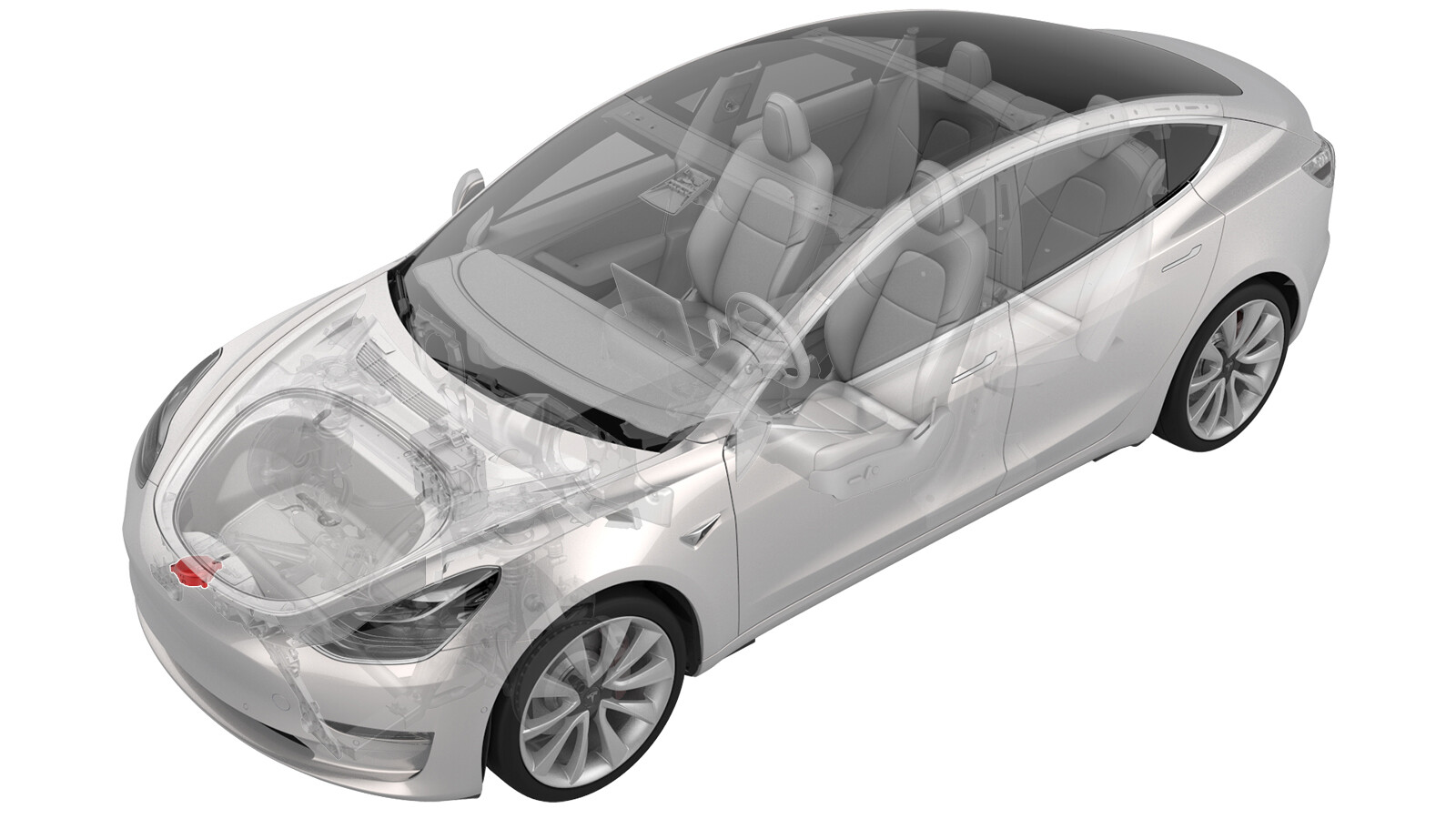 Correction code
17541006
0.24
NOTE: Unless otherwise explicitly
stated in the procedure, the correction code and its associated FRT reflect all of the
work required to perform this procedure, including the linked procedures. Do not stack correction codes unless
explicitly told to do so.
NOTE: See Flat Rate
Times to learn more about FRTs and how they are created.
NOTE: See Personal Protection to make sure wearing proper PPE when
performing the below procedure. NOTE: See Ergonomic Precautions for safe and healthy working
practices.
Correction code
17541006
0.24
NOTE: Unless otherwise explicitly
stated in the procedure, the correction code and its associated FRT reflect all of the
work required to perform this procedure, including the linked procedures. Do not stack correction codes unless
explicitly told to do so.
NOTE: See Flat Rate
Times to learn more about FRTs and how they are created.
NOTE: See Personal Protection to make sure wearing proper PPE when
performing the below procedure. NOTE: See Ergonomic Precautions for safe and healthy working
practices.
- 2026-04-02: Added step to run pws-equipped action.
- 2026-01-26: Updated the configuration change routine to align with the latest software version and added the software reinstallation step.
Torque Specifications
| Description | Torque Value | Recommended Tools | Reuse/Replace | Notes |
|---|---|---|---|---|
| Screws (x3) that attach the pedestrian warning speaker assembly to the front fascia |
 1.8 Nm (1.3 lbs-ft) |
|
Reuse |
Procedure
- Remove the RH front wheel. See Wheel Assembly (Remove and Install).
-
Remove
the clips (x9) that hold the RH front wheel liner to
fascia, and move the wheel liner aside for
access.
-
Look underneath the RH front corner of the vehicle and
locate the breakout harness for the pedestrian
warning speaker electrical connector.
NoteIf the vehicle is not equipped with the pedestrian warning speaker electrical connector, then the vehicle cannot be retrofitted with the pedestrian warning speaker. Reinstall the components that were removed for access and stop this procedure.
- Use a retractable blade knife or similar tool to carefully remove the tape that secures the pedestrian warning speaker electrical connector to the main front harness bundle.
-
Install
the screws (x3) that attach the pedestrian warning
speaker assembly to the front fascia.1.8 Nm (1.3 lbs-ft)TipUse of the following tool(s) is recommended:
- Torx T25 socket
-
Install
the clip that attaches the harness to the pedestrian
warning speaker assembly.
-
Engage
the locking tab to connect the pedestrian warning
speaker connector.
-
Install
the clips (x9) that hold the RH front wheel liner to
fascia.
- Install the RH front wheel. See Wheel Assembly (Remove and Install).
- Locally connect a laptop with Toolbox 3 to the vehicle. See Toolbox (Connect and Disconnect).
- Run ODIN routine PROC_ICE_X_SET-PEDESTRIAN-WARNING-SPEAKER-CONFIGvia Toolbox:(link)
- In Toolbox, run the pws-equipped action to enable the speaker.
- Disconnect the laptop.
- Reinstall the vehicle firmware. See Software Reinstall - Touchscreen.
- Exit Service Mode. See Service Mode.
- Raise the LH front window and close the LH front door.