Switch - Window - Driver (Remove and Replace)
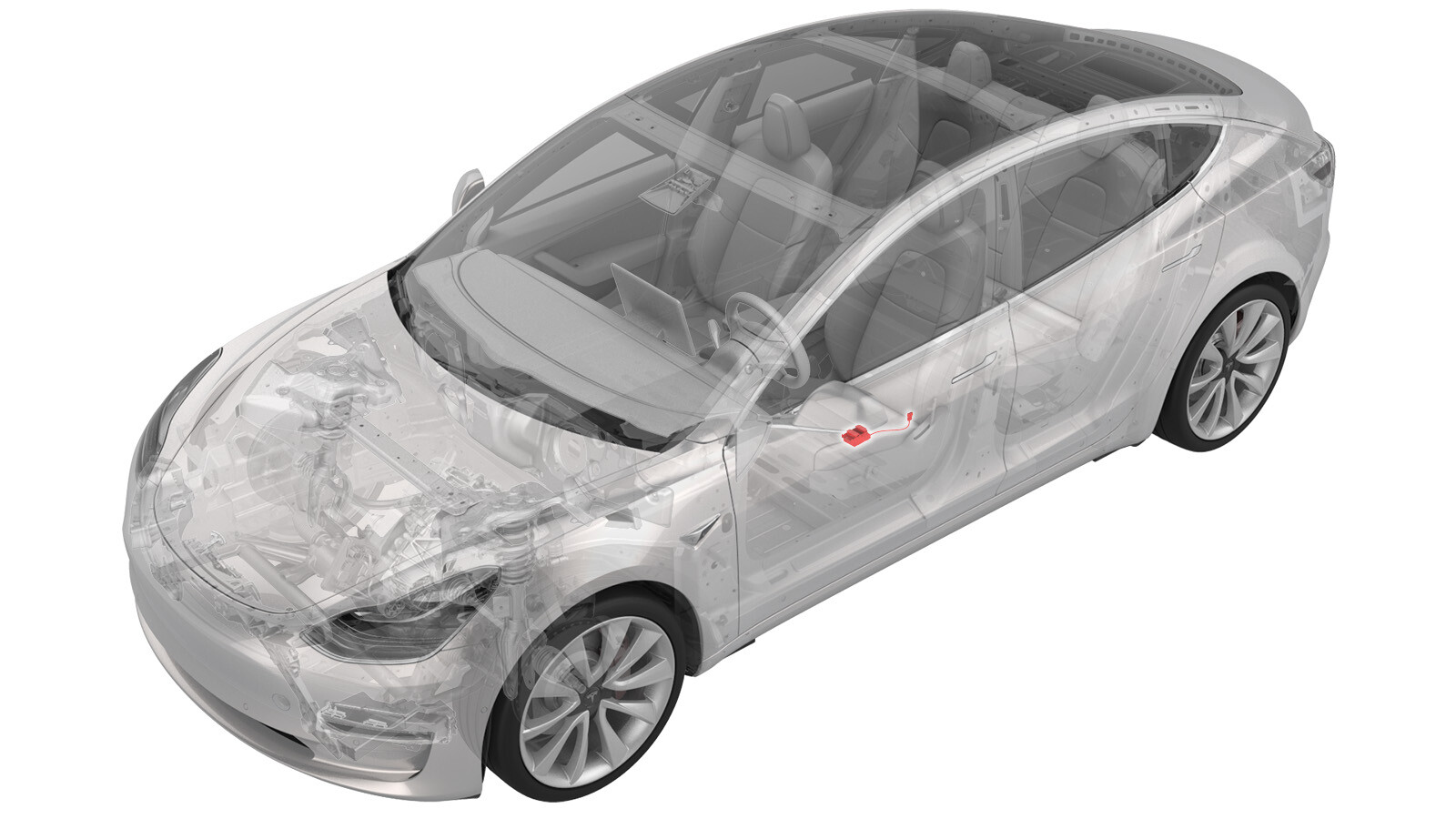 Correction code
115025020.18
NOTE: Unless otherwise explicitly
stated in the procedure, the correction code and its associated FRT reflect all of the
work required to perform this procedure, including the linked procedures. Do not stack correction codes unless
explicitly told to do so.
NOTE: See Flat Rate
Times to learn more about FRTs and how they are created.
NOTE: See Personal Protection to make sure wearing proper PPE when
performing the below procedure. NOTE: See Ergonomic Precautions for safe and healthy working
practices.
Correction code
115025020.18
NOTE: Unless otherwise explicitly
stated in the procedure, the correction code and its associated FRT reflect all of the
work required to perform this procedure, including the linked procedures. Do not stack correction codes unless
explicitly told to do so.
NOTE: See Flat Rate
Times to learn more about FRTs and how they are created.
NOTE: See Personal Protection to make sure wearing proper PPE when
performing the below procedure. NOTE: See Ergonomic Precautions for safe and healthy working
practices.
- 2026-01-29: Added door trim steps and switch harness steps.
- 2026-01-02: Removed video since it does not show the special tool used in the procedure.
- 2024-02-28: Added window switch removal tool 1988906-00-A.
Equipment:
- 1988906-00-A - Window Switch Removal Tool
Torque Specifications
| Description | Torque Value | Recommended Tools | Reuse/Replace | Notes |
|---|---|---|---|---|
| Bolt that attaches the lower bolt cover to the LH front door trim panel |
 6 Nm (4.4 lbs-ft) |
|
Reuse |
Remove
- Remove the LH front door trim. See Panel - Door Trim - Front - LH (Remove and Install).
-
Release the LH front door NVH pad from the tabs (x4).
-
Release the clips (x7) that
attach the bolt cover to the LH front door trim panel, and then pivot the
bolt cover down and off of the door trim panel.
-
Release the LH front window switch harness from the harness clips (x3) and
release the connector from the tabs (x4), and move the harness and the
connector to one side.
-
Use a window switch removal
tool (1988906-00-A) to release the tabs that attach the driver window switch
to the LH front door trim panel, and then remove the switch from the
vehicle.
CAUTIONReplace door trim if any tabs are broken during removal.NotePull up on the manual release handle for easy access to the special tool. Push up on the special tool to release the 4 tabs, and use your thumb to push down on the switch to release it from the left front door panel.
Install
-
Secure the tabs (x4) that
attach the driver window switch to the door trim panel.
-
Install the LH front window switch harness to the harness clips (x3) and
install the connector to the tabs (x4).
-
Hook the front edge of the
bolt cover to the door panel, move the puddle light harness into the door
panel, and then pivot the bolt cover up and secure the clips (x7).
-
Install the LH front door NVH pad to the tabs (x4).
- Raise the LH front window and close the LH front door.
- Install the LH front door trim. See Panel - Door Trim - Front - LH (Remove and Install).