2026-08-09
Reflex Lens - Rear - RH (Remove and Install)
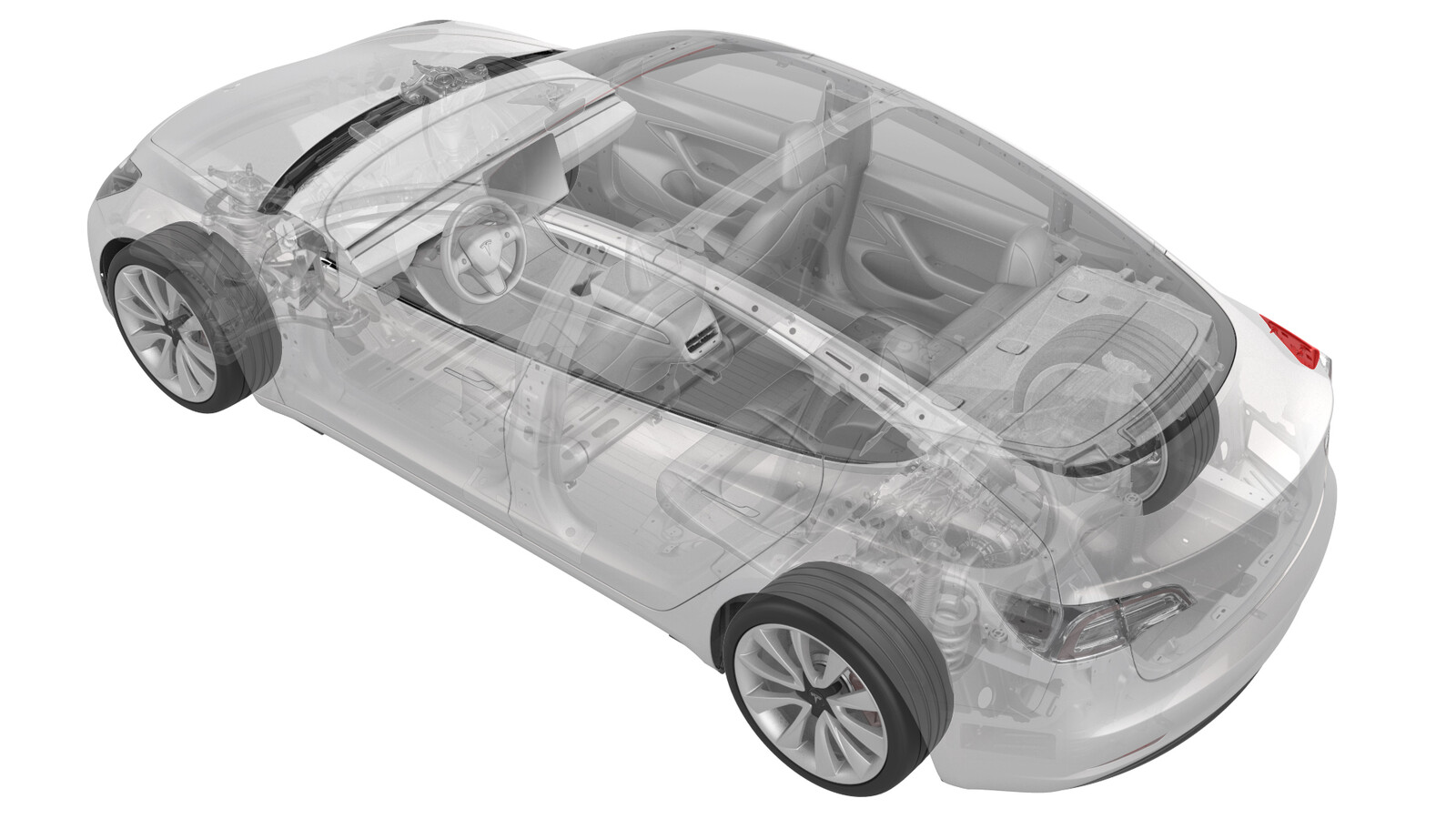 Correction code
17404501
0.12
NOTE: Unless otherwise explicitly
stated in the procedure, the correction code and its associated FRT reflect all of the
work required to perform this procedure, including the linked procedures. Do not stack correction codes unless
explicitly told to do so.
NOTE: See Flat Rate
Times to learn more about FRTs and how they are created.
NOTE: See Personal Protection to make sure wearing proper PPE when
performing the below procedure. NOTE: See Ergonomic Precautions for safe and healthy working
practices.
Correction code
17404501
0.12
NOTE: Unless otherwise explicitly
stated in the procedure, the correction code and its associated FRT reflect all of the
work required to perform this procedure, including the linked procedures. Do not stack correction codes unless
explicitly told to do so.
NOTE: See Flat Rate
Times to learn more about FRTs and how they are created.
NOTE: See Personal Protection to make sure wearing proper PPE when
performing the below procedure. NOTE: See Ergonomic Precautions for safe and healthy working
practices.
Note
This procedure applies only to the
RH side. The LH rear reflex lens is part of the charge port.
Remove
- Remove the trunk garnish. See Garnish - Trunk (Remove and Replace).
-
Peel back the RH trunk side trim carpet away from the body.
-
Use a 7 mm socket to loosen the clips (x3) that secure the reflex lens from
inside the vehicle, while the other hand pulling the reflex lens away from
the vehicle from outside with appropriate force.
Install
- Position the RH reflex lens to the vehicle, and press gently to fully seat the clips.
- Make sure that the RH rear reflex lens to body gap and flush are within specifications.
- Install the RH trunk side trim carpet to original position, making sure the seal is properly seated along the carpet.
- Install the trunk garnish. See Garnish - Trunk (Remove and Replace).