Clean and Lubricate Brake Calipers (Non-Performance Brakes)
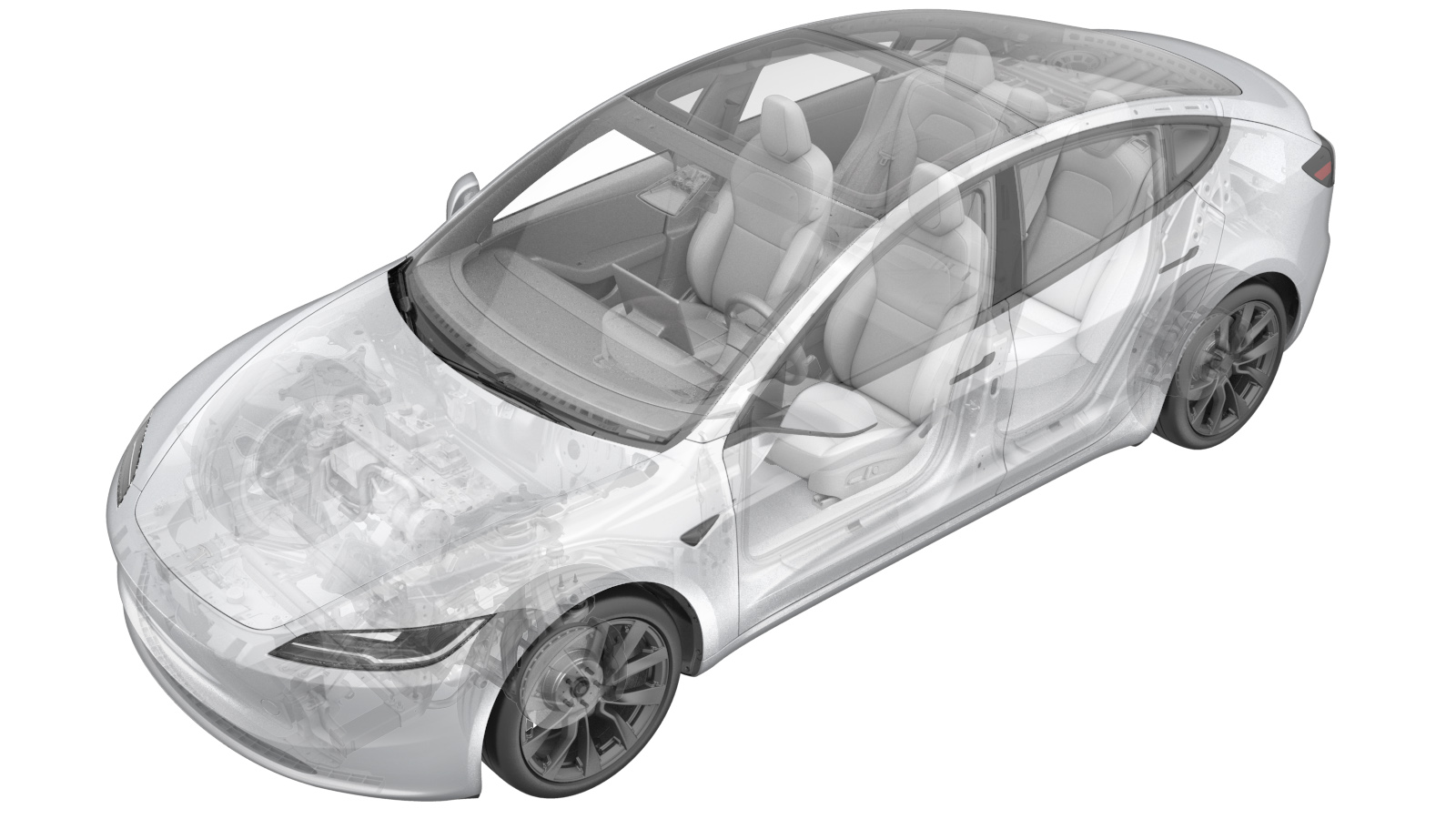 NOTE: Unless
otherwise explicitly stated in the procedure, the correction code and its
associated FRT reflect all of the work required to perform this procedure,
including the linked procedures. Do not stack correction
codes unless explicitly told to do so.
NOTE: See Flat Rate Times to
learn more about FRTs and how they are created.
NOTE: See Personal Protection to make
sure you are wearing proper PPE when performing the procedure below.
NOTE: See Ergonomic Precautions for safe and healthy
working practices.
NOTE: Unless
otherwise explicitly stated in the procedure, the correction code and its
associated FRT reflect all of the work required to perform this procedure,
including the linked procedures. Do not stack correction
codes unless explicitly told to do so.
NOTE: See Flat Rate Times to
learn more about FRTs and how they are created.
NOTE: See Personal Protection to make
sure you are wearing proper PPE when performing the procedure below.
NOTE: See Ergonomic Precautions for safe and healthy
working practices.
- 2026-08-13: Added correction codes for different locations and service scenarios.
- 2025-08-27: Added steps for rear brakes cleaning/lubricating.
| Brake Service | Wheels Already Removed | Wheels not Already Removed |
|---|---|---|
| Front axle | 33011000605 |
Add both of the following
codes:
|
| Rear axle | 33011100205 |
Add both of the following
codes:
|
| Full set | 33013345 |
Add both of the following
codes:
|
Procedure
- Enable Service Mode. See Service Mode.
-
Enable EPB Service Mode through the touchscreen.
NoteTouch , under EPB Selection choose Both, under Action Selection choose Start, and then touch Run.
-
Use the appropriate pin
punch to remove the retaining pins and anti-rattle spring from the LH front
caliper.
-
Remove the brake pads from
the LH front caliper.
CAUTIONKeep the inboard pad and the outboard pad separate and organized.
-
Use a caliper spreader to gently push
the pistons back into the LH front caliper.
-
Use a brush and soapy water to clean
the abutment flats, the piston faces, the inner surfaces of the LH front caliper, the
retaining pins, the anti-rattle springs, the abutment springs/clips, and the brake pad
edges and surfaces that contact the caliper.
CAUTIONMake sure not to contaminate the friction material.
Figure 2. Abutment flats Figure 3. Anti-rattle spring Figure 4. Retaining pins -
Remove the LH front brake rotor. See Brake Rotor - Front (Base/Sport Brakes) - LH (Remove and Replace).
NoteInspect the inner and outer rotor vents and surface for excess debris. Clean any debris from the rotor if present. Make sure that the rotor mating surface to the hub is clean on the inside and outside face.
- Install the LH front brake rotor and brake caliper. See Brake Rotor - Front (Base/Sport Brakes) - LH (Remove and Replace).
-
Apply a thin layer of Silaramic
lubricant to the abutment flats in the LH front caliper.
CAUTIONMake sure not to contaminate the piston seals or any rubber components of the caliper.
-
Apply a thin layer of Silaramic
lubricant to the brake pad edges that contact the abutment flats.
CAUTIONDo not apply any lubricant to the back of the brake pads, and make sure not to contaminate the friction material.
-
Install the brake pads into
the LH front caliper.
CAUTIONDo not mix brake pads, as they have worn specifically to their respective position within the caliper.
-
Apply a thin layer of silaramic
lubricant to the retaining pins in the LH front caliper.
-
Use the appropriate pin
punch to install the anti-rattle spring and retaining pins into the LH front
caliper.
- Repeat step 3 through 13for the RH front caliper and brake rotor.
-
Remove the bolts that attach the RH
rear brake caliper to the RH rear brake caliper bracket.
-
Remove the RH rear caliper and support
with an S-hook in a secure position.
-
Remove the RH rear brake pads from the
RH rear brake caliper bracket.
-
Clean the RH rear brake caliper
abutment clips with soapy water.
-
Remove the RH rear brake caliper
bracket from the RH rear knuckle.
-
Inspect the brake rotor for
debris.
NoteInspect inner and outer rotor vents and surface for excess debris. Clean any debris from the rotor if present. Make sure that the brake rotor mating surface to the hub is clean on the inside and outside face.
-
Install the RH rear brake caliper
bracket onto the knuckle.
 94 Nm (69.3 lbs-ft)NoteInstall new bolts.
 -
Apply an even layer of Silaramic
lubricant to the top and bottom of the RH brake pad contact points.
-
Install the RH rear brake pads onto
the RH rear brake caliper bracket.
-
Install the bolts that attach the RH
rear brake caliper to the RH rear brake caliper bracket.
26.5 Nm (19.5 lbs-ft)
- Repeat steps 15 through 24 for the LH brake caliper and rotor.
- Hold the brake pedal and select park on the touchscreen to disable EPB service mode.
- Exit Service Mode. See Service Mode.
- Press the brake pedal several times until it feels firm.
- Check the brake fluid level and top off as necessary.
- Remove the vehicle from the 2 post lift. See Raise Vehicle - 2 Post Lift.