Carrier - Sensor - Ultrasonic - Rear Door - LH (Remove and Replace)
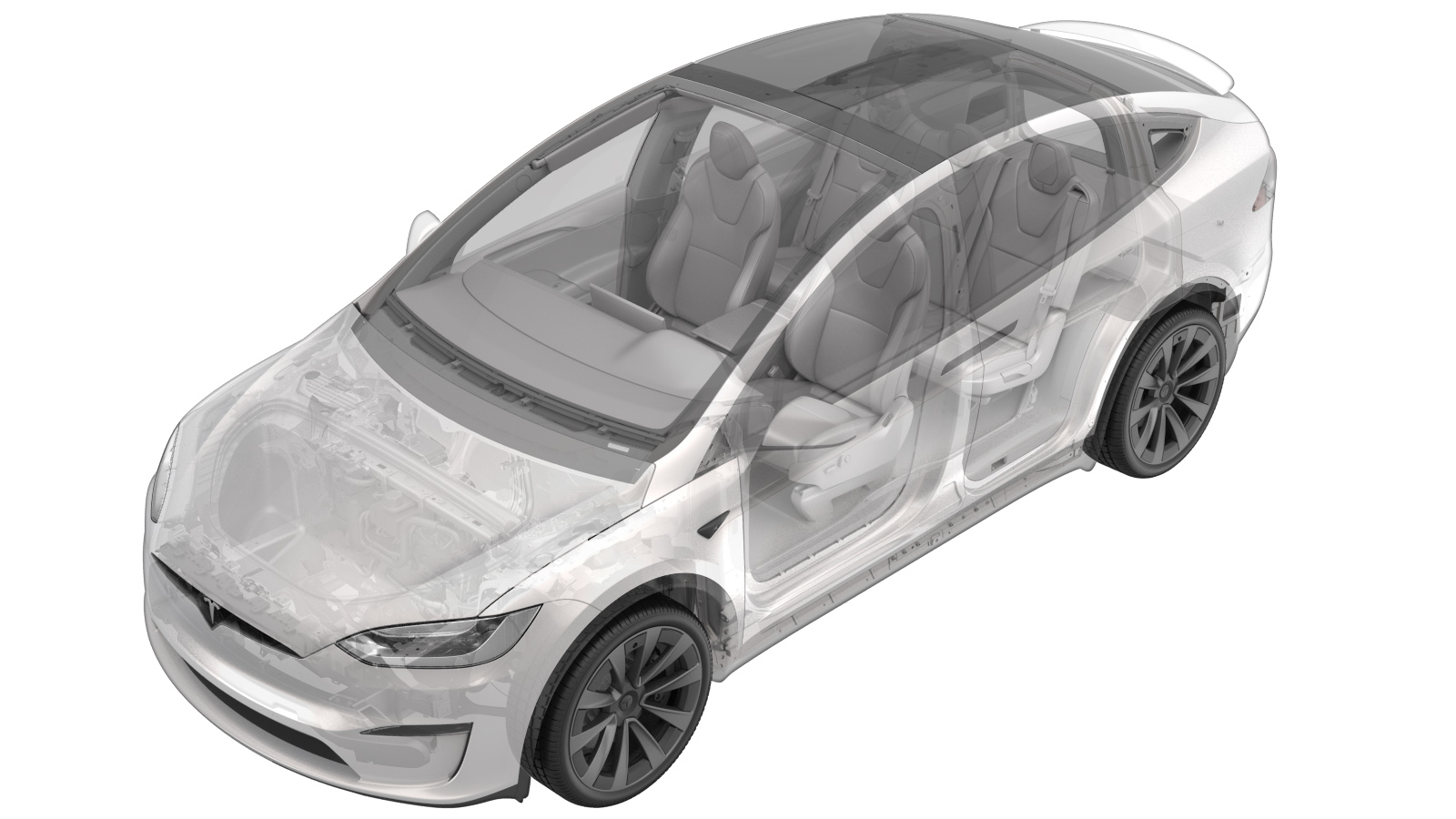 Correction code
11334702
0.90
NOTE: Unless otherwise explicitly
stated in the procedure, the above correction code and FRT reflect all of the work
required to perform this procedure, including the linked procedures. Do not stack correction codes unless
explicitly told to do so.
NOTE: See Flat Rate Times to learn
more about FRTs and how they are created. To provide feedback on FRT values, email ServiceManualFeedback@tesla.com.
NOTE: See Personal Protection to make sure proper PPE is worn when
performing the below
procedure.
Correction code
11334702
0.90
NOTE: Unless otherwise explicitly
stated in the procedure, the above correction code and FRT reflect all of the work
required to perform this procedure, including the linked procedures. Do not stack correction codes unless
explicitly told to do so.
NOTE: See Flat Rate Times to learn
more about FRTs and how they are created. To provide feedback on FRT values, email ServiceManualFeedback@tesla.com.
NOTE: See Personal Protection to make sure proper PPE is worn when
performing the below
procedure.
- 2025-11-07: Added cross reference to Ultrasonic Sensor (Remove and Replace) procedure to correct incorrect temperature setting for heating up the new ultrasonic sensor before installation.
Remove
-
Remove the LH rear door closeout panel. See Closeout Panel - Door - Rear - LH (Remove and Replace).
NoteDo not remove the rear door controller or the rear door ultrasonic ECU from the closeout panel.
-
Remove the cap, spring and the
spacer.
-
Release the clip, and then disconnect
the LH ultrasonic sensor electrical connector.
-
Use the heat gun to apply heat up to
about 55º C (131º F) and distance around 18 cm (7 in.) diameter of sensor carrier
assembly to cover the 3 mounting areas.
NoteUse one hand to feel the areas behind the door skin to assure the heating areas locations.
-
Remove the ultrasonic bracket and lift
one leg tilted at a time.
Install
-
Use Isopropyl Alcohol (IPA) wipes to
clean the sensor mounting area.
NoteAllow 1 minute to dry before continuing.
-
Apply adhesion promoter to the inner
door skin.
NoteAllow 1 minute to dry before continuing.
- Use a heat gun to heat up the inner door skin. If necessary, use the infrared thermometer to check the temperature of door panel to at least 25º C (77º F) evenly.
-
Peel off the stickers, and then
install the new holder onto the door skin with harness slot in the bottom
position.
NoteUse the force gauge to apply a force of 70 N to the top of each of the carrier pads for at least 10 seconds.
-
Use a heat gun and IR temperature gun
to read temperature of door panel prior to ultrasonic sensor installation.
NoteDoor panel must be 25º C or warmer. Use heat gun to warm the door panel, if necessary.
- Install the new ultrasonic sensor. See Sensor - Ultrasonic - Rear Door - LH (Remove and Replace).
- Install the LH rear door closeout panel. See Closeout Panel - Door - Rear - LH (Remove and Replace).