Motor - Seat Height - Driver Seat (Remove and Replace)
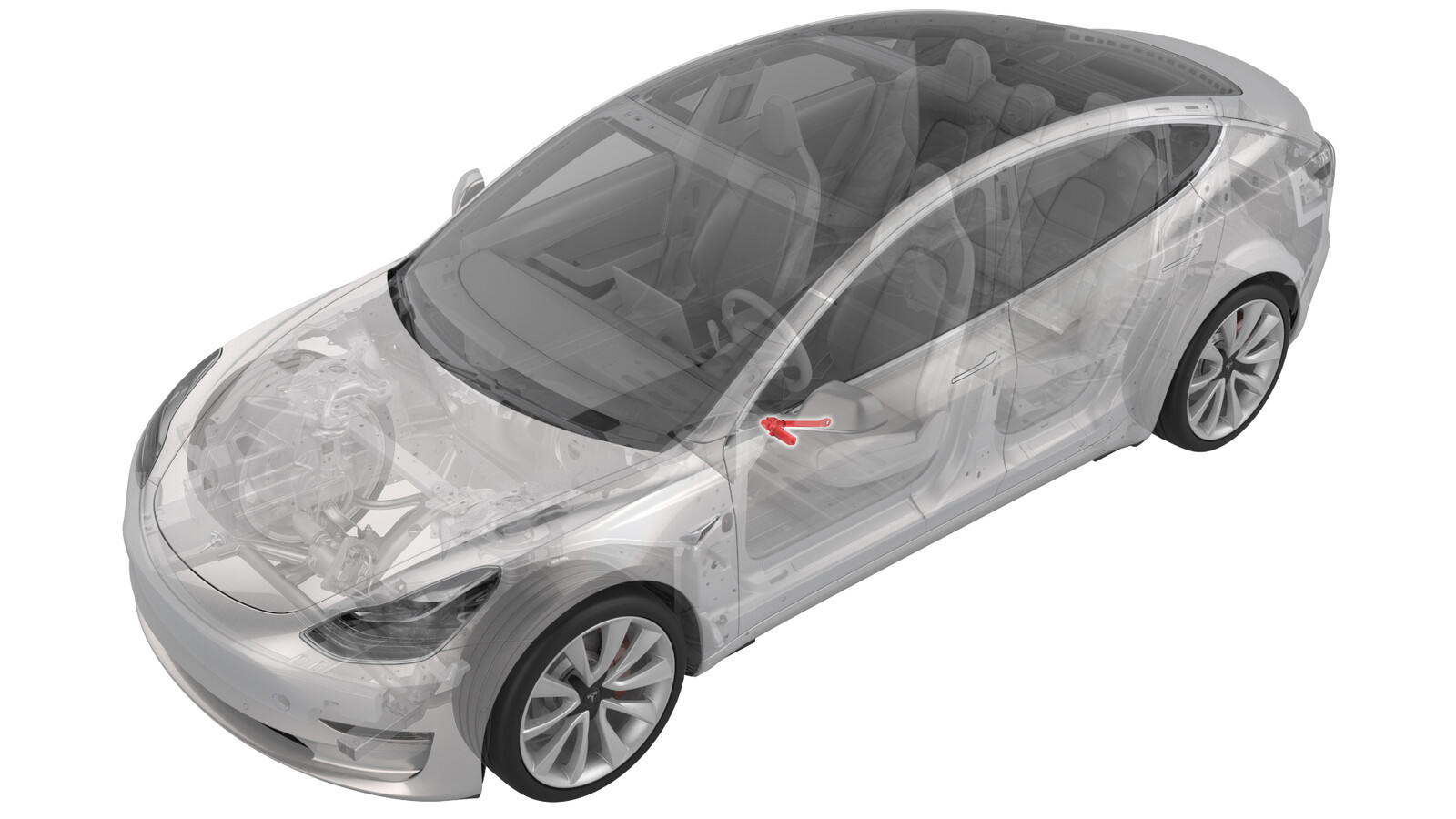 Correction code
13011602
0.48
NOTE: Unless otherwise explicitly
stated in the procedure, the correction code and its associated FRT reflect all of the
work required to perform this procedure, including the linked procedures. Do not stack correction codes unless
explicitly told to do so.
NOTE: See Flat Rate
Times to learn more about FRTs and how they are created.
NOTE: See Personal Protection to make sure wearing proper PPE when
performing the below procedure. NOTE: See Ergonomic Precautions for safe and healthy working
practices.
Correction code
13011602
0.48
NOTE: Unless otherwise explicitly
stated in the procedure, the correction code and its associated FRT reflect all of the
work required to perform this procedure, including the linked procedures. Do not stack correction codes unless
explicitly told to do so.
NOTE: See Flat Rate
Times to learn more about FRTs and how they are created.
NOTE: See Personal Protection to make sure wearing proper PPE when
performing the below procedure. NOTE: See Ergonomic Precautions for safe and healthy working
practices.
- 2026-08-31: Revise the front passenger seat steps to allow the work to be completed without removing the seat assembly.
- 2026-02-02: Updated the torque of the seat height motor bolts from T40 to T45/T50.
- 2023-05-03: Added step for front passenger seat calibration and OCS calibration.
Correction code for the front passenger seat:
- Motor - Seat Height - Front Passenger Seat (Remove & Replace), Correction code13013602, FRT0.66
Torque Specifications
| Description | Torque Value | Recommended Tools | Reuse/Replace | Notes |
|---|---|---|---|---|
| Rear bolt that secures the LH seat height motor |
 18 Nm (13.3 lbs-ft) |
|
Replace | 1106615-00-C |
| Front bolt that secures the LH seat height motor |
23 Nm (17.0 lbs-ft) |
|
Replace | 1109796-00-C |
Remove
- If performing this procedure on the front passenger seat, check firmware version: The installed firmware package must be 2023.2.11 or above for the configuration routine to populate. If it is below the target package, proceed with an OTA update.
- Open all four doors and lower all four windows.
-
Remove the 2nd row lower seat cushion.
See Seat Cushion - Lower - 2nd Row (Remove and Replace).
NoteIf performing this procedure on the front passenger seat, skip this step.
-
Remove the driver seat. See Seat Assembly - 1st Row - LH (Remove and Replace).
NoteIf performing this procedure on the front passenger seat, skip this step.
-
With assistance, place the driver seat on its back on a protected surface.
NoteIf performing this procedure on the front passenger seat, skip this step.
-
If performing this procedure on the
front passenger seat, remove the front passenger seat outboard side shield. See Side Shield - Outboard - Driver Seat (Remove and Replace).
NoteDuring removal, certain steps require extra care. See the animation(s) for detailed guidance.NoteLH shown, RH similar
-
Disconnect the height motor electrical
connector.
-
Remove and discard the rear bolt that
secures the LH seat height motor.
TipUse of the following tool(s) is recommended:
- Torx T45 socket
-
Remove and discard the front bolt that
secures the LH seat height motor, and then remove the motor from the assembly.
TipUse of the following tool(s) is recommended:
- Torx T50 socket
Install
-
Install the driver seat height motor
to the seat frame, and then install a new front bolt that secures the LH seat height
motor.23 Nm (17.0 lbs-ft)NoteMake sure the under seat harnesses are clear.TipUse of the following tool(s) is recommended:
- Torx T50 socket
-
Install a new rear bolt that secures
the LH seat height motor.18 Nm (13.3 lbs-ft)TipUse of the following tool(s) is recommended:
- Torx T45 socket
-
Connect the height motor electrical
connector.
- If performing this procedure on the front passenger seat, install the front passenger seat outboard side shield. See Side Shield - Outboard - Driver Seat (Remove and Replace).
-
Install the driver seat. See Seat Assembly - 1st Row - LH (Remove and Replace).
NoteIf performing this procedure on the front passenger seat, skip this step.
-
Install the 2nd row lower seat
cushion. See Seat Cushion - Lower - 2nd Row (Remove and Replace).
NoteIf performing this procedure on the front passenger seat, skip this step.
-
If servicing the front passenger seat in
a North American vehicle:
- Remove all objects from the front passenger seat before beginning calibration.
- On the vehicle touchscreen, touch and check the vehicle firmware version. If the vehicle firmware is 2023.2.11 or newer, perform a software reinstall. See Software Reinstall - Touchscreen. If the vehicle firmware is not 2023.2.11 or newer, update the vehicle firmware. See Software Update.
- Locally connect a laptop with Toolbox 3 to the vehicle. See Toolbox (Connect and Disconnect).
- Unlock the vehicle gateway. See Gateway (Unlock).
- In Toolbox, click on the Actions tab, and then search for "OCS".
- Run the PROC_OCS1P_SELF-CALIBRATIONvia Service Mode Plus:Safety & Restraints ➜ Seats ➜ OCS1P Self Capacitance Calibrationvia Toolbox:(link) routine.
- Click on the Actions tab, and then search for "Seat calibration".
- Run the PROC_VCRIGHT_SEAT-CALIBRATEvia Service Mode:Low Voltage ➜ Seats ➜ Calibrate Seatvia Toolbox:(link) routine.
- Disconnect Toolbox and remove the laptop from the vehicle.
- On the laptop, tap to calibrate the seat.
- Move the seats back to the original positions, raise all four windows and close all four doors.